

Cin7 ⇄ Shopify Integration: Automating Inventory & Order Workflows Without Overselling
Key Takeaways
- How to design a Cin7 Shopify integration that keeps inventory accurate across channels without constant manual reconciliation.
- Practical field-mapping templates, sync cadence recommendations, and troubleshooting steps for multi-location stock and complex order flows.
- Why most DIY setups fail, and how AiBizBuild’s E-commerce Operations (Shopify/Amazon) service delivers a done-for-you, fully monitored backend.
In This Guide:
📦 How Cin7 ⇄ Shopify Really Works – Data flows, source-of-truth, and common failure points.
⚙️ Manual vs Automated Cin7 ⇄ Shopify Workflows – Labor, risk, and where automation pays off.
🧩 Field Mapping & Sync Cadence Templates – Opinionated defaults for most Shopify merchants.
🏬 Multi-Location & Multi-Channel Inventory – How to handle warehouses, marketplaces, and wholesale in one pool.
🧪 Use Case: 60–90 Day Transformation – From spreadsheet chaos to stable automation.
🚨 Why DIY Cin7 Shopify Integration Fails – Real-world pitfalls and hidden risks.
✅ Troubleshooting & Validation Checklist – How to validate and keep things healthy.
📊 ROI Model & Payback Window – Labor savings, oversell reduction, and stability.🛠️ How AiBizBuild Executes – Our done-for-you E-commerce Operations (Shopify/Amazon) framework.
🔚 Next Steps – Who this is for, and how to engage.
If you run Shopify and Cin7 together, you already know this isn’t “click connect and walk away” territory. A serious cin7 shopify integration is the difference between a calm, predictable backend and spending 10–20 hours/week inside spreadsheets trying to figure out what actually sold and where stock went.
For 7–8 figure brands, overselling on even 3–5% of orders is enough to damage reviews, wreck CS capacity, and burn team morale. This guide shows you how to design the flows, mappings, and monitoring so Cin7 and Shopify behave like one system instead of two tools fighting each other.
How Cin7 ⇄ Shopify Integration Actually Works in the Real World
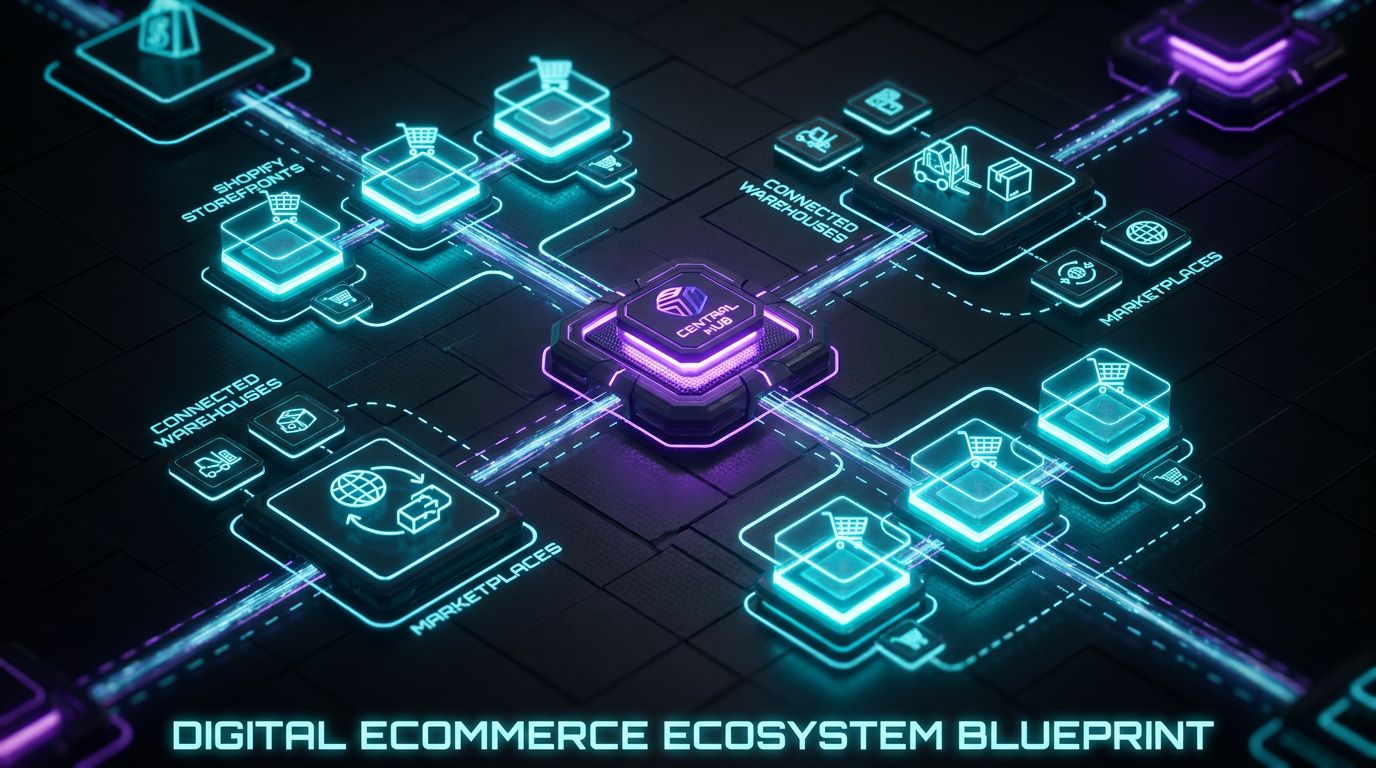
Underneath the UI, Cin7 and Shopify are just trading structured messages about products, stock, and orders. The outcome you want is simple: one source of truth for inventory and financials, and fast, reliable updates everywhere else.
Where most brands get into trouble is not the connector itself, but unclear decisions about what “truth” lives where, and when each system should listen vs speak. Let’s break the flows down.
The core data flows between Cin7 and Shopify
At a high level, you are synchronizing six domains:
- Products – SKUs, titles, variant options, barcodes, prices.
- Inventory levels – On-hand, available, allocated by location/warehouse.
- Orders – Line items, quantities, discounts, taxes, shipping.
- Customers – Names, emails, addresses, tags.
- Shipments – Fulfilment status, carrier, tracking numbers.
- Returns & adjustments – RMAs, refunds, restock vs write-off.
In most healthy environments, Cin7 is the source of truth for inventory and fulfilment, while Shopify is the source of truth for the customer-facing order. That means:
- Product and inventory data are mastered in Cin7 and pushed to Shopify.
- Orders originate in Shopify and are pushed into Cin7 for allocation, picking, and shipping.
- Shipment events and stock changes are pushed back up to Shopify to keep customers updated.
When you blur these roles, you invite double data entry, inconsistent SKUs, and unpredictable stock numbers. The tool is not the problem; the architecture is.
Common integration patterns for growing Shopify brands
There are a few repeatable Cin7 Shopify patterns we see across 7–8 figure brands:
- Single Shopify store, one warehouse – Cleanest setup. Cin7 has one primary warehouse mapped to one Shopify location. Inventory sync every few minutes, orders imported frequently, straightforward routing.
- Multiple Shopify stores, shared inventory – Example: US and EU Shopify stores sharing stock at one US warehouse and one EU 3PL. Cin7 owns the inventory pool; each store is just another sales channel pointing to the same warehouses.
- Shopify + marketplaces via Cin7 – Shopify is your DTC front end, but Amazon, eBay, or B2B portals also feed orders into Cin7. Cin7 becomes the orchestration hub that decides where stock is and where orders should be fulfilled from.
Each pattern is viable, but the mapping and cadences change. Trying to treat all three like a simple one-store-one-warehouse setup is how you get silent corruption.
Where things usually go wrong
Almost every broken cin7 shopify environment we’re called into has the same classes of issues:
- Stock levels out of sync – Wrong sync direction, overly slow cadence, or manual stock adjustments in Shopify fighting what Cin7 thinks is true.
- Duplicate or inconsistent SKUs – Different SKUs or option names per channel, historical products imported multiple times, or variants structured differently between systems.
- Returns, exchanges, and partial shipments – Shopify returns not properly represented in Cin7, or partial shipments in Cin7 not reflecting correctly as split fulfillments in Shopify.
None of this is about a missing checkbox in the connector. It’s about not designing the lifecycle: from “product created” to “order fully settled” across both systems.
Manual vs Automated Cin7 ⇄ Shopify Workflows
The same 500–2,000 order/month brand can either run on calm automation or live in reconciliation hell. The tools are identical; the workflows are not.
Let’s contrast how this actually feels day to day.
The manual way: spreadsheets, exports, and reconciliation heroics
A realistic manual flow for a mid-sized Shopify brand looks like this:
- Every day, someone exports Shopify orders and Cin7 reports to CSV.
- They pivot by SKU, compare quantities, then manually adjust stock in Shopify or Cin7 to “match.”
- Oversold orders are identified by angry customers or CS tickets, then pushed into a separate tab for reallocation or refunds.
Across 500–2,000 orders/month, that’s easily 1–2 hours per day of reconciliations, plus bursts of chaos during promos and product launches. You also pay a hidden cost: your best ops person becomes a human integration layer instead of improving the business.
The automated way: opinionated Cin7 Shopify integration design
A well-architected cin7 shopify integration looks very different:
- Inventory is mastered in Cin7, pushed to Shopify on a frequent cadence or event-triggered basis.
- Orders flow automatically from Shopify to Cin7 in near real-time, tagged and mapped to the right warehouse and workflow.
- Fulfilment updates and tracking numbers are pushed back to Shopify as soon as warehouse actions happen in Cin7.
The crucial difference is monitoring. Instead of trusting that “no news is good news,” you run:
- Daily exception reports for stuck orders, negative stock, or mapping errors.
- Alerts when error counts cross a threshold, or a high-value order is blocked.
This is what AiBizBuild builds as a system: not just turning on the native connector, but wrapping it with guardrails.
Where automation stops and human checks still matter
Even the best automation should not try to eliminate human judgment. The sweet spot is:
- Automated – Routine syncs, fulfilment updates, most allocation rules, and basic error handling.
- Human-reviewed – Financial reconciliation, edge-case discounts, wholesale deals, and high-value orders that need eyes.
Your goal isn’t “no humans involved.” Your goal is to move from manual triage on 100% of orders to targeted review on the 1–5% that actually matter.
Manual vs Automated Cin7 ⇄ Shopify Workflows
The differences in time, risk, and scalability are not subtle.
| Dimension | Manual | Partially Automated (native only) | Fully Automated with AiBizBuild |
|---|---|---|---|
| Time per day on reconciliation | 1–3 hours of exports, pivots, and manual fixes | 30–60 minutes chasing connector errors | 5–20 minutes reviewing exception reports only |
| Monthly labor cost | High – dedicated ops head stuck in spreadsheets | Medium – mix of ops and CS time | Low – ops reviews alerts; system does the rest |
| Error rate on orders | High – manual edits, timing gaps, missed edge cases | Medium – fewer errors, but still unmonitored drift | Low – mapped, tested, and monitored flows |
| Oversell risk | High – inventory adjusted after the fact | Medium – depends on sync cadence and habits | Very low – tight cadences, buffers, and watchdogs |
| Scalability (orders/day) | Breaks beyond ~50–100 orders/day | Stretches to 200–400 orders/day with pain | Designed for 500–5,000+ orders/day |
| Manager stress level | Constant firefighting and fear of hidden issues | Uneasy – “It works until it doesn’t” | Calm – clear dashboards and known playbooks |
If you’re also thinking about front-end automation (content, SEO, campaigns), this is the same logic as moving from manual blog posting to scaling content without extra headcount. You design workflows, then let tools do the repetitive work.
Field Mapping & Sync Cadence Templates
Most integration disasters trace back to sloppy mapping and overly optimistic sync settings. You want boring, explicit rules.
Here’s how we standardize Cin7 ⇄ Shopify mappings for stability.
Core field mapping between Cin7 and Shopify (products & inventory)
For products and stock, keep it brutally simple:
- SKU (Cin7) ↔ SKU (Shopify) – Primary key. Non-negotiable. No channel-specific SKU variations.
- Product Name (Cin7) ↔ Product Title (Shopify) – Customer-facing naming can differ slightly, but keep base naming aligned.
- Barcode/GTIN (Cin7) ↔ Barcode (Shopify) – Critical for scanning and 3PLs.
- Variant attributes (Cin7) ↔ Options (Shopify) – e.g., Size, Color. Same spelling, same ordering.
- Warehouse (Cin7) ↔ Location (Shopify) – Explicit mapping table, not “whatever is closest.”
- Available qty (Cin7) ↔ Available inventory (Shopify) – On-hand minus allocations, pushed downstream only.
Do not allow Shopify to become a playground for one-off SKUs, manual overrides, or experimental bundles without a plan. For larger catalogs, we often start with a SKU and variant audit before touching any integration setting.
Order & customer field mapping
On the order side, the goal is traceability from Shopify checkout to Cin7 shipment:
- Shopify Order ID ↔ Cin7 Sales Order ID / External Reference – You should be able to search either system with one identifier.
- Line items (variant ID + SKU) ↔ Cin7 products – No generic “misc” SKUs.
- Shipping method (Shopify) ↔ Freight/Shipping service (Cin7) – Map “Standard,” “Express,” “Free shipping” to concrete carrier/service codes.
- Payment status (Shopify: paid, pending, refunded) ↔ Cin7 payment/AR status – Decide when Cin7 should treat revenue as recognized vs pending.
- Customer details – Name, email, default shipping/billing address mapped directly.
Shopify tags, notes, and metafields are powerful levers here:
- Use tags for routing rules (e.g., “VIP”, “Wholesale”, “Preorder”).
- Use notes/metafields for custom data like gift messages or internal routing flags.
We frequently design flows where specific tags trigger different Cin7 workflows or warehouse routing.
Recommended sync cadences by business model
Here are opinionated defaults that work for most merchants:
- Single-store DTC (steady demand)
- Inventory sync: every 5–15 minutes.
- Order import: every 5–10 minutes.
- Product updates: scheduled batch (e.g., nightly), plus on-demand when launching collections.
- Multi-store / multi-warehouse
- Inventory sync: 1–5 minutes or event-based from Cin7 when stock changes.
- Order import: near real-time, especially during campaigns.
- Extra guardrails: stock buffers (e.g., keep 5–10 units “hidden” in Cin7 to absorb timing issues).
- High-volume / flash sale brands
- Inventory sync: as close to event-based as connectors allow, with local buffers on hero SKUs.
- Pre-allocation strategies: cap available inventory on Shopify below Cin7 to handle returns and cancellations.
Faster is not always better. Aggressive cadences can hit API limits and create noisy failures; you want a sane balance plus monitoring, not just “set it to 1 minute and pray.”
Multi-Location & Multi-Channel Inventory: Architecting Cin7 Shopify Flows
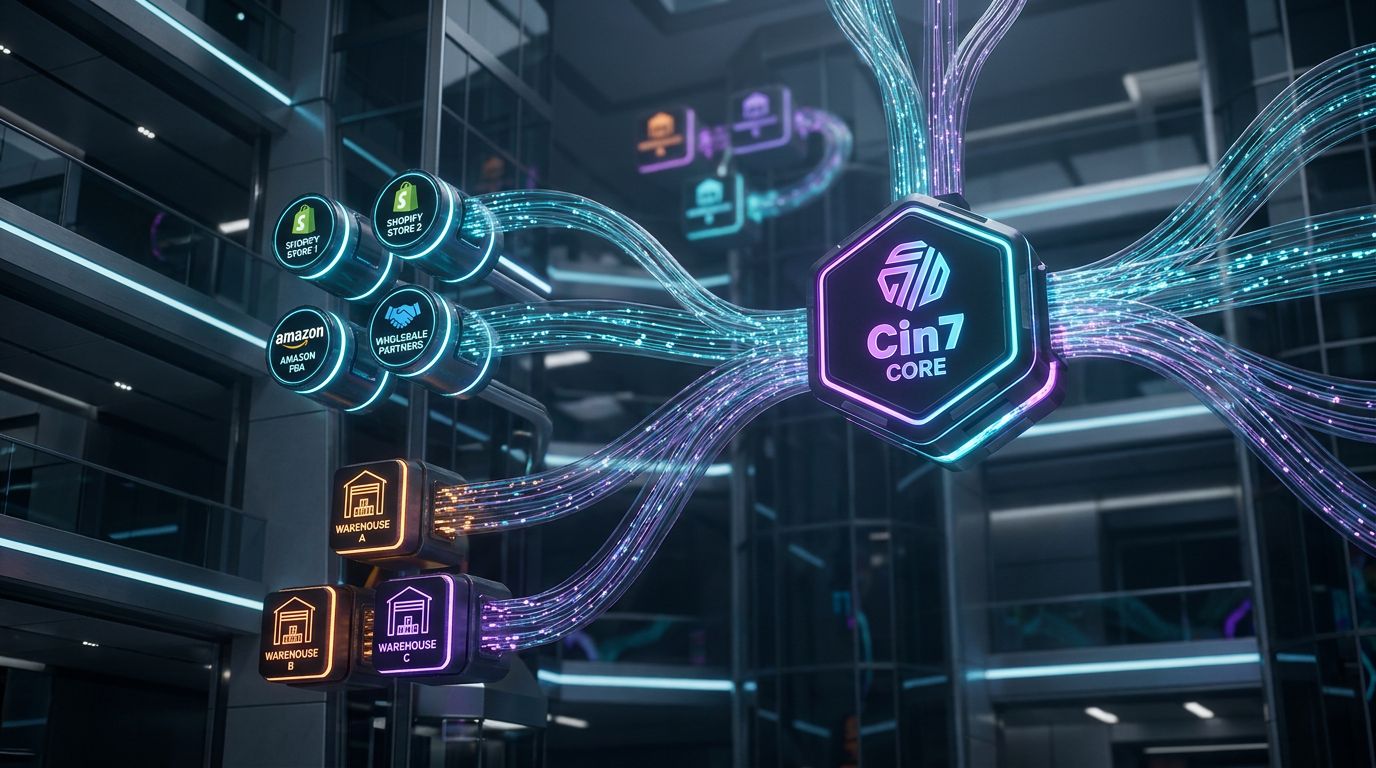
Once you introduce multiple locations and channels, your biggest risk is double counting stock or leaving units stranded. Cin7 can handle this, but only if you’re deliberate.
The design work here is about mapping reality (warehouses, 3PLs, FBA, retail) into a clean digital model.
Designing location mapping (Shopify locations ↔ Cin7 warehouses)
Start by listing every physical or virtual place stock can live:
- Internal warehouses.
- 3PLs and drop-ship vendors.
- Amazon FBA or other marketplace-held inventory.
- Pop-up shops or retail stores.
Then choose a mapping pattern:
- 1:1 mapping – One Cin7 warehouse to one Shopify location. Cleanest and safest.
- Many:1 mapping – Multiple Cin7 warehouses roll up into one Shopify location. Useful when you want Shopify to show a unified “Online” stock figure, but riskier for routing precision.
- 1:many mapping – One Cin7 warehouse feeds multiple Shopify locations (uncommon; can create confusion unless you really know why you’re doing it).
The top two failure modes:
- Double counting – Same physical stock exposed via multiple Shopify locations or channels.
- Orphaned stock – Units sitting in Cin7 warehouses that are never surfaced to any Shopify location.
We usually push for 1:1 wherever possible, then layer rules to decide which warehouse should ship which order.
Routing logic: which orders go to which warehouse or 3PL
Inventory architecture answers “where is stock?” Routing answers “who should ship this order?” Cin7 can apply rules such as:
- Ship from the closest warehouse to the customer’s region.
- Prioritize internal warehouse, fall back to 3PL if out-of-stock.
- Route specific SKUs (e.g., bulky items) only from certain locations.
Shopify tags and shipping methods can drive different routes, too. For example, a “Wholesale” tag might send orders to a dedicated B2B warehouse, while “Express” shipping forces selection of locations that support certain carriers.
In a mature setup, Cin7 becomes the orchestration layer between Shopify, 3PLs, and carriers, instead of each channel making its own decisions.
How marketplaces and wholesale orders fit into the same inventory pool
If you also sell via Amazon, eBay, or EDI/wholesale, all of that demand should hit the same Cin7 inventory pool. The key rules:
- Keep one master SKU catalog across all channels.
- Let Cin7 allocate stock across channels based on rules and buffers, not ad-hoc channel overrides.
- Use separate Cin7 warehouses for marketplace-held stock (e.g., Amazon FBA) vs your own facilities.
This is where a well-designed cin7 shopify architecture starts to look like a unified ecommerce backend. AiBizBuild’s E-commerce Operations (Shopify/Amazon) service is designed to own that full picture, not just the Shopify piece.
Use Case: From Manual Reconciliation to Automated Cin7 Shopify Integration in 60–90 Days

To make this concrete, here’s a typical transformation we lead. The details are fictional; the patterns are not.
This is what “60–90 days to stability” actually looks like.
Starting point – messy reality for a mid-sized Shopify brand
Imagine a lifestyle brand doing 1,500–3,000 orders/month across:
- Two Shopify stores (US and EU), with overlapping but slightly different catalogs.
- One Amazon channel.
- Two warehouses: an in-house US DC and an EU 3PL.
Cin7 is in place, but the cin7 shopify integration was set up quickly by an internal ops lead. Symptoms:
- Weekly stock-out issues on hero SKUs on one channel while another still has units.
- 2–3 reconciliation sessions per week, each 1–2 hours, to reconcile stock and orders.
- Regular oversells leading to refunds, manual substitution, and stressed CS.
The CEO is frustrated, the ops team is firefighting, and everyone is scared to touch the integration settings.
Step-by-step project plan
We run this as a structured project under AiBizBuild’s E-commerce Operations (Shopify/Amazon) service.
Phase 1: Discovery & data audit (1–2 weeks)
- Catalog audit: SKUs, variants, barcodes, bundles, and inactive products.
- Location/warehouse mapping: how Cin7 warehouses and Shopify locations currently relate.
- Connector audit: existing Cin7 ⇄ Shopify settings, sync cadences, custom apps.
- Error log review: past sync failures, oversell incidents, manual stock corrections.
Phase 2: Architecture design (1–2 weeks)
- Define system of record: Cin7 for inventory and fulfilment; Shopify for customer orders.
- Standardize SKU and variant structures across all channels.
- Design location mapping and routing rules for US/EU warehouses and Amazon.
- Confirm field mappings for products, orders, payments, and taxes.
Phase 3: Sandbox/testing (2–4 weeks)
- Clone a subset of products and set up a test Shopify store or restricted SKU set.
- Run simulated orders covering: normal orders, discounts, partial shipments, backorders, returns.
- Validate that every status change in Cin7 produces the right outcome in Shopify (and vice versa).
- Build automated validation scripts and exception reports ready for go-live.
Phase 4: Go-live & hypercare (2–4 weeks)
- Schedule cutover windows and a rollback plan in case of surprises.
- Go live during a controlled period (not peak sale week).
- Daily monitoring: order sync success, inventory deltas, error logs.
- Weekly review with the client to tune buffers, cadences, and routing rules.
This is not a “plug in a new app on Friday afternoon” project. But it’s also not a 6–12 month ERP migration; it’s a focused 60–90 day push to make your existing tools behave.
Before-and-after operating rhythm
Before the project:
- Daily: ops lead spends 1–2 hours in spreadsheets reconciling inventories.
- Weekly: CS escalations for oversold orders and wrong shipments.
- Monthly: finance trying to explain mismatched revenue and COGS between systems.
After the project:
- Daily: a 10–15 minute review of an exception dashboard and alerts only.
- Oversell incidents drop by >90% due to buffers, clean mappings, and tight cadences.
- Ops can finally work on proactive improvements instead of being a human API.
This is the real outcome you’re buying with a premium, done-for-you implementation: operational stability at scale, not a “new feature” in Cin7 or Shopify.
Why DIY Cin7 Shopify Integration Fails
Most teams that DIY their cin7 shopify setup are smart and capable. They just underestimate how many edge cases they need to get right on day one.
The connector screens look simple; the failure modes are not.
Hidden complexity in tax, locations, and payment mappings
Three areas cause the most silent damage:
- Tax rules – If tax-inclusive vs tax-exclusive settings don’t line up, you can misstate revenue and tax liabilities without noticing for months.
- Location mappings – Slight mistakes here lead to stock being allocated from the wrong warehouse, double counted, or not exposed to any channel.
- Payment mappings – Failing to align payment statuses between Shopify and Cin7 can leave invoices in limbo or mark unpaid orders as paid.
Disconnecting and reconnecting integrations without a plan can also duplicate products, reset mappings, or orphan historical data. Once that happens, you’re in forensic cleanup land.
Edge cases no one documents
The glossy docs rarely talk about the ugly realities:
- Multi-currency and multi-store – How do you handle one product sold in USD and EUR, with different tax regimes, but one pool of stock?
- POS + online – Retail sales and online orders sharing inventory while keeping location-level reporting clean.
- Partial shipments and backorders – Translating complex Cin7 shipment states into understandable Shopify fulfilment updates.
- Returns and exchanges – Shopify’s RMA model vs Cin7’s credit/return documents and stock adjustments.
These are the scenarios that break during promos and peak season. If you haven’t modeled them explicitly, you discover gaps when it’s most expensive.
Lack of monitoring and rollback plans
The most common mistake is assuming that “no error popups” means everything is fine. In reality:
- Connectors often fail silently on specific orders or products.
- API limits or small configuration changes can degrade sync quality over time.
- Nobody is watching for drift between Cin7 and Shopify stock values.
No logs + no alerts = expensive surprises weeks later when finance or CS discovers the mess. A serious setup always includes alerting, exception reporting, and a tested rollback plan for major changes.
DIY Integration vs AiBizBuild Done-For-You
Here’s how DIY compares to bringing in a specialist team that lives and breathes this stack.
| Dimension | DIY Cin7 Shopify Setup | Generic Third-Party Implementor | AiBizBuild E-commerce Operations (Shopify/Amazon) |
|---|---|---|---|
| Time-to-value | Weeks to months of trial-and-error | 4–8 weeks for basic connector setup | 60–90 days for full architecture, testing, and stabilization |
| Required in-house expertise | High – ops, accounting, and integration skills in one person | Medium – they understand tools, not always your business model | Low – AiBizBuild brings ops + data + tooling expertise |
| Risk of misconfiguration | High – common to see stock corruption and financial drift | Medium – they avoid obvious mistakes, miss edge cases | Low – opinionated best practices and regression testing |
| Ongoing monitoring | Ad-hoc, if at all | Limited – often ends after initial go-live | Baked in – dashboards, alerts, and playbooks for exceptions |
| Total cost over 12 months | Looks cheap, often expensive once labor and errors are counted | Moderate fees, mixed results at scale | Premium, but typically pays back in 6–12 months via savings and stability |
This is similar to other done-for-you automation projects: you can always patch things manually, but the ROI is in designing automated workflows instead of manual processes.
Troubleshooting & Validation Checklist for Cin7 Shopify Integration
Whether you’re setting things up fresh or trying to fix a shaky environment, you need a disciplined validation process. “Looks about right” is not enough when you’re moving thousands of units.
Pre-go-live validation steps
Before you trust any integration with your full catalog and live orders, run this checklist:
- SKU and variant audit – No duplicates, consistent attributes, clear bundles/kits model.
- Stock reconciliation – For a sample of products, confirm that Cin7 and Shopify show the same on-hand and available quantities.
- Test orders – Run sample orders covering discounts, partial shipments, backorders, and returns.
- Location checks – For each warehouse/location, confirm mapping, stock exposure, and routing rules behave as expected.
Document expected field values and statuses at each step. Your future self will thank you when someone “just tweaks” a setting in six months.
First 30 days monitoring checklist
The first month after go-live is where issues surface. Treat it like a controlled burn-in period:
- Daily
- Review order sync logs for failures or unusually long delays.
- Spot-check a handful of orders end-to-end across Cin7 and Shopify.
- Scan for negative inventory or unexpected stock jumps.
- Weekly
- Reconcile total sales and units between systems for a date range.
- Review error patterns and adjust mappings or rules accordingly.
- Confirm returns and refunds are flowing correctly into stock and financials.
After 30–60 days of clean operation, you can loosen the checks, but you should never fully turn off monitoring.
Common error patterns and quick fixes
Three issues come up repeatedly across brands:
- Missing or duplicated SKUs – Orders fail to sync or land on placeholder products. Fix by standardizing the catalog and re-linking products in both systems.
- Orders stuck in pending states – Often caused by missing payment mappings, unrecognized shipping methods, or validation errors on addresses. Fix the underlying mapping, then reprocess failed orders.
- Tax mismatches – Totals differ by a few cents or more between Shopify and Cin7. Review tax-inclusive/exclusive settings, rounding rules, and how discounts are applied.
The key is having logging and alerting in place so these are caught early, not during a quarterly close.
ROI Model: Labor Savings, Oversell Reduction, and Stability
You don’t invest in a serious cin7 shopify integration for fun. You do it because the math is in your favor.
Let’s quantify it in plain terms.
Estimating the labor cost of manual reconciliation
A simple formula:
- Hours/week on reconciliation × blended hourly rate × 52 weeks.
Example 1:
- 8 hours/week on exports, pivots, fixes, and CS escalations.
- Blended rate (salary + overhead): $35/hour.
- Annual cost: 8 × 35 × 52 ≈ $14,560/year.
Example 2 (more realistic for 7–8 figure brands):
- 15 hours/week across ops + CS.
- Blended rate: $40/hour.
- Annual cost: 15 × 40 × 52 ≈ $31,200/year.
This doesn’t include the opportunity cost of that person not improving processes, campaigns, or merchandising.
Quantifying oversell and stock-out costs
Now look at oversell and stock-outs. Conservative assumptions:
- 1–3% of orders have stock issues (oversold, mispicked, or delayed).
- Average order value: $80.
- 2,000 orders/month.
At 2% problematic orders:
- 2,000 × 2% = 40 affected orders/month.
- If half result in refunds or heavy discounts, that’s 20 × $80 = $1,600/month, or $19,200/year, in direct revenue impact.
Add the harder-to-measure costs:
- Damaged brand perception and reviews.
- Lost repeat purchase from disappointed customers.
- CS team burnout from dealing with preventable fires.
In practice, many brands bleed five figures a year in these “operational leaks” without a line item to point at.
Putting it together: Payback period for a proper integration
Combine just the two buckets we’ve quantified:
- Labor savings: say $15k–$30k/year.
- Error and oversell reduction: say another $10k–$20k/year minimum.
Even if your fully architected, done-for-you implementation with AiBizBuild is a premium investment, the payback window is typically 6–12 months just on those two dimensions. Beyond that, you are compounding the benefits of a stable backend: better planning, cleaner analytics, less stress.
High-performing ecommerce operators often pair this with other automation investments, from AI lead generation tools on the front-end to automated content workflows, so each part of the business scales without a matching headcount increase.
How AiBizBuild Designs, Implements & Maintains Your Cin7 Shopify Integration
—IMAGE_BLOCK: Futuristic Glass & Metal Product Shot depicting a physical representation of a stable ecommerce backend: stacked glass data chips labeled Shopify, Cin7, Amazon, and 3PL, interconnected with glowing lines. Cinematic lighting, Unreal Engine 5 render, futuristic corporate aesthetic, glowing cyan and purple accents, shallow depth of field, 8k resolution—
AiBizBuild is not a plugin and not a generic IT shop. We act as your senior automation architect for ecommerce operations, with a bias toward boring, reliable systems over shiny toggles.
The core offer here is our E-commerce Operations (Shopify/Amazon) service, with Cin7 as a first-class citizen.
Our Done-For-You E-commerce Operations (Shopify/Amazon) Framework
We follow a consistent framework across every Cin7 Shopify project:
- Audit – Deep dive into current Cin7, Shopify, and channel setups, including data quality, logs, and pain points.
- Architecture – Decide source-of-truth, mapping templates, routing logic, and monitoring requirements.
- Configuration – Implement field mappings, sync cadences, and connector settings with opinionated defaults.
- Testing – Sandbox and live-fire testing, plus validation scripts and checklists.
- Go-live – Controlled cutover with rollback options and heightened monitoring.
- Monitoring & optimization – Ongoing exception reporting, tuning, and support.
In plain language: we own the result, not just the checklist. If the system doesn’t feel stable and boring to you after 60–90 days, we haven’t done our job.
What we automate beyond the native Cin7 Shopify connector
The native connectors are the plumbing. We add the rest of the operating system:
- Exception alerts – High-risk orders, repeated sync failures, stock anomalies, and negative inventory.
- Cross-system workflows – Tying Cin7 and Shopify into accounting, 3PL, and CRM so support and finance see the same truth.
- Proactive monitoring – Light use of AI to surface patterns and anomalies, but always with a human-approved playbook.
We can also align this with related automation, such as CRM Integration & Inbox Management so that order and shipment events feed cleanly into your support stack. The goal is an integrated backend, not a pile of disconnected tools.
What a Workflow Audit or Demo looks like
If you’re not ready to commit to a full project, start with a Workflow Audit or Demo. In a 60–90 minute session, we:
- Review your current Cin7, Shopify, and channel architecture.
- Walk through real failure modes you’ve experienced and identify root causes.
- Sketch a high-level target architecture and a phased path to get there.
The call is practical, not a sales pitch. If there’s a fast win we can point you toward, we will, even if you never hire us. When you are ready to move forward, we scope a project around your order volume, channel complexity, and the level of ongoing monitoring you need.
Next Steps
At this point you should have a clear sense of what a robust cin7 shopify integration entails and why “just turning on the connector” isn’t enough. The question is whether you want to architect and maintain that yourself.
Who this is right for (and who it isn’t)
AiBizBuild’s E-commerce Operations (Shopify/Amazon) work is a strong fit if:
- You’re doing >500 orders/month across Shopify and possibly marketplaces.
- You’re using or committed to Cin7 + Shopify for the next few years.
- You’re tired of manual reconciliation and want **stable, monitored automation**.
It’s probably not the right fit if:
- You’re early-stage with low order volume and a very simple warehouse setup.
- You still change platforms or core tools every few months.
Those merchants are usually better off keeping things simple and manual for a while longer.
How to engage AiBizBuild
If you see your own brand in this guide, the next step is straightforward:
- Book a Workflow Audit – We’ll review your current setup, identify top risks, and outline a sane 60–90 day plan.
- Request a Demo – We’ll walk you through what a fully-automated, monitored backend looks like for a business like yours.
From there, we scope a fixed-fee, done-for-you implementation focused on operational stability and scalability, not one-off setting changes. If you’d rather keep patching things manually, you can – but the brands that win long-term are the ones that treat their backend like infrastructure, not an afterthought.
FAQ
How long does a Cin7 Shopify integration take to set up properly?
A basic DIY setup might be “running” in a couple of weeks, but it often takes months of trial-and-error to stabilize. A properly architected, tested, and monitored implementation with AiBizBuild typically lands in the 60–90 day range, including discovery, design, sandbox testing, and hypercare after go-live.
Can we just use Cin7’s native Shopify connector without an agency?
Yes, and many smaller or simpler merchants do. The risk is that once you hit multi-location, multi-channel, or higher order volumes, misconfigurations and edge cases start costing you real money and time.
Our view: the connector is necessary plumbing, but serious operations need intentional architecture, mapping, and monitoring layered on top.
Do I need in-house developers to maintain a Cin7 Shopify integration?
You usually don’t need heavy custom code for a strong Cin7 Shopify stack. What you do need is ops and data expertise to design mappings, cadences, and workflows, plus the discipline to monitor and adjust over time.
AiBizBuild provides that combination so your internal team can focus on running the business, not learning every corner-case in Cin7 and Shopify.
What happens if we’re already live with a broken Cin7 Shopify setup?
We start with a structured audit: catalog, locations, connector settings, and real error logs. From there, we design a remediation plan that includes risk-controlled changes, sandbox tests where needed, and a clear rollback plan for major adjustments.
The goal is to fix the foundation without making your existing issues worse in the process.
How do you price your E-commerce Operations (Shopify/Amazon) projects?
We typically scope projects based on order volume, channel complexity (e.g., number of stores, marketplaces, warehouses), and the level of ongoing monitoring and support you want. That usually translates into a clear, fixed-fee implementation plus optional ongoing operations support rather than open-ended hourly work.
The intent is simple: you should be able to map the investment against labor savings and error reduction and see a realistic 6–12 month payback window.