

Intelligent Virtual Assistants: How AI Personal Assistants Transform Productivity vs Human VAs
Key Takeaways
– Intelligent virtual assistants dramatically reduce manual scheduling, email triage, and admin by automating repeatable patterns that human VAs usually handle by hand.
– When connected to your calendar, inbox, docs, and CRM, a well-implemented virtual personal assistant AI can realistically save 10–20 hours per week for a busy founder or operations lead.
– Use AI for high-volume, structured, low-risk tasks; use humans for nuance and relationships; and combine both in a hybrid model where smart virtual assistants handle the busywork and humans own the exceptions.
In This Guide:
🔎 What Are Intelligent Virtual Assistants? – Clear definition and how they differ from human VAs & chatbots
⏱️ Manual VAs vs AI Assistants: Workflow & Cost Comparison – Concrete examples of scheduling, email triage, and task automation
⚙️ How AI Virtual Personal Assistants Actually Work (Integrations & Flows) – Calendar, email, docs, CRM, and workflow automation
⚠️ Why DIY AI Assistants Often Fail – Hidden complexity, data prep, and maintenance you can’t ignore
🧩 When to Choose an AI Assistant vs a Human VA – Decision framework for founders and teams
🚀 Implementation Blueprint & How AiBizBuild Helps – Done-for-you setup, integrations, and optimization
❓ FAQs – Security, timeline, costs, and team impact
You didn’t start your company to spend your mornings triaging email threads about meeting times.
Yet most founders and operations leaders still burn hours every week on scheduling ping-pong, inbox cleanup, and simple but relentless admin work.
Intelligent virtual assistants are the next step beyond basic chatbots and human-only virtual assistants.
They sit inside your actual tools, understand natural language, and quietly execute tasks that used to require a person reading every message.
This guide looks at human VAs and virtual personal assistant AI side by side, with a focus on where AI is genuinely ready today, where humans are still better, and how to design a system that reliably gives you back 10–20 hours per week.
What Are Intelligent Virtual Assistants?
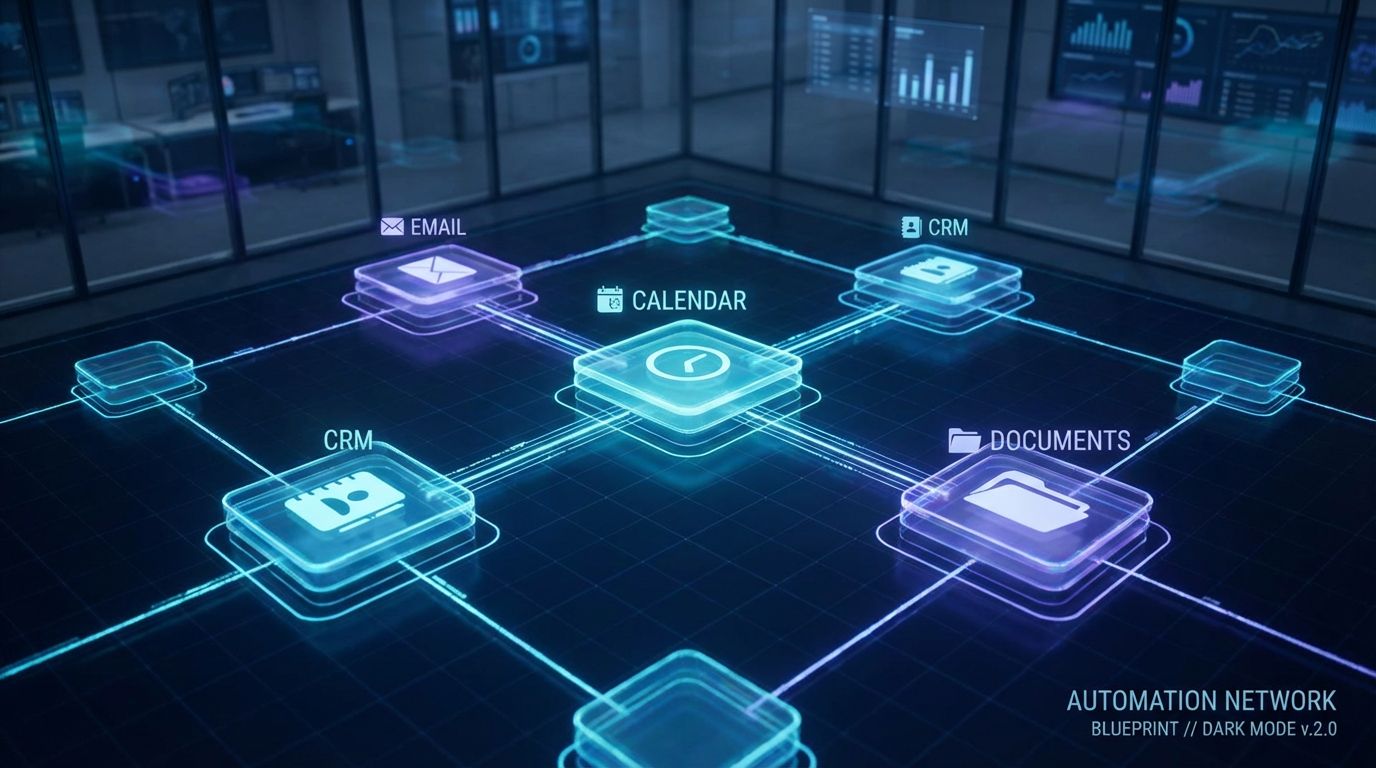
When I talk about intelligent virtual assistants, I’m not talking about a chat bubble on your website that spits back canned answers.
An intelligent virtual assistant is an AI system that can understand natural language, reason over context, and then take real actions in your tools—email, calendar, CRM, docs, and more.
Think of it as a smart virtual assistant that can read your inbox, understand “Please find 3 slots next week with Sarah and our finance lead,” look at calendars, propose options, and send the right messages without a human touching every step.
It’s the same underlying technology people call virtual personal assistant AI, but applied deliberately to your day-to-day workflows instead of just being another gimmicky app on your phone.
From Chatbots to Smart Virtual Assistants
Traditional chatbots are basically interactive FAQs.
They follow scripts, match keywords, and get lost as soon as the conversation strays from the happy path.
Intelligent virtual assistants and other smart virtual assistants are different.
They use large language models to interpret free-form text and speech, maintain context across multiple messages, and call APIs or automations to actually do things—book, update, create, notify—rather than just answer.
In this guide we’re focused on productivity and personal workflows for founders and teams, not only customer support use cases.
That means calendar orchestration, inbox triage, follow-ups, and simple project/admin flows that burn hundreds of hours a year if you stay in the old model.
Core Capabilities for Productivity
For productivity and operations, the core capabilities of intelligent virtual assistants are straightforward but powerful.
They can read and understand your emails, chat messages, and tasks in natural language, including long threads and forwarded chains.
They can manage calendars: check availability across multiple calendars, hold tentative slots, book meetings, add video links, and handle rescheduling when things slip.
They can draft and summarize emails and documents, so instead of you starting from a blank page, you’re reviewing and approving high-quality drafts.
They can trigger simple workflows: creating tasks in project tools, setting reminders, updating CRM records, or logging call notes after a meeting.
The catch is that they only work reliably when they have clean access to the right data, clear boundaries, and properly designed integrations—which is exactly where most DIY setups fall over.
The Old Way: Human VAs, Manual Scheduling & Inbox Juggling
Before we talk about intelligent virtual assistants, we need to be honest about the current state in most scaling B2B teams.
You either do the admin yourself, or you push it to a human VA and still manage the process.
That works up to a point, but it hits a ceiling fast—and the ceiling is your time and their ability to keep up with every thread across inboxes, calendars, and tools.
Typical Human VA Workflows Today
Here’s how human virtual assistant workflows usually look in practice.
First, inbox triage: they log in, star important messages, apply labels, archive newsletters, and reply with templates where they’re confident.
Second, scheduling: your VA emails back and forth with prospects, customers, or partners to find times, manually checks time zones, updates calendar invites, adds Zoom links, and sends reminders.
If someone cancels or no-shows, they repeat the same pattern.
Third, simple admin: updating a spreadsheet of leads, jotting follow-up notes into a CRM, pulling basic reports, or drafting short summaries of calls.
It all works but it’s slow, human-limited, and requires constant oversight.
Hidden Costs of Manual and Human-Only Approaches
The obvious cost of a human VA is the hourly rate or retainer.
The hidden cost is the time you spend explaining context, forwarding threads, correcting mistakes, and answering “How do you want me to handle this one?”
There are also availability gaps.
Most VAs don’t cover nights, weekends, or early mornings in every time zone, so urgent opportunities and conflicts can sit for hours or days.
Manual data entry is inherently error-prone—missed fields in the CRM, mis-typed email addresses, wrong time zones on calendar invites.
All of that introduces friction and rework that you pay for twice: once in money and again in lost momentum.
To make this concrete, here’s a side-by-side comparison of human virtual assistants and intelligent virtual assistants.
| Aspect | Human Virtual Assistant | Intelligent Virtual Assistant (AI) |
|---|---|---|
| Availability | Business hours, limited evenings/weekends | 24/7, handles parallel requests with no fatigue |
| Speed | Minutes to hours per task depending on workload | Seconds to process, near-instant for repeatable workflows |
| Cost Structure | Hourly/retainer; marginal cost grows with volume | Mostly fixed platform + implementation; marginal cost per task is near-zero |
| Best-Fit Tasks | Nuanced communication, judgment-heavy edge cases, relationship management | High-volume, structured tasks like scheduling, standard replies, data updates |
| Consistency | Can drift over time; depends on training and turnover | Highly consistent once guardrails and workflows are defined |
| Setup & Management Overhead | Ongoing instructions, check-ins, and corrections from the executive | High upfront design & integration effort; low ongoing overhead when handled by a specialist partner |
| Edge Cases | Can navigate complex social dynamics and unstructured situations | Best when paired with escalation rules that hand off unusual cases to a human |
The New Way: Intelligent Virtual Assistants as Your Always-On Personal Ops Layer
Now let’s look at what life actually looks like when an AI virtual personal assistant sits inside your workflows.
This is where most vendor pages go vague; I’ll stay concrete and walk through real example flows.
Assume you have an assistant wired into your Google or Microsoft 365 stack, with access to calendars, inboxes, and—via our CRM Integration & Inbox Management service—your CRM or sales tools.
Example Workflow 1 – Calendar Management & Scheduling
Imagine a prospect emails: “Can we find 45 minutes next week with you and your head of sales?”
Your intelligent virtual assistant sees the email, understands the request, and checks availability across both calendars.
Step-by-step, here’s what happens.
- The assistant parses constraints (next week, 45 minutes, two attendees on your side).
- It checks your preferred meeting windows and “no-go” times (for example, no meetings after 4pm on Fridays).
- It proposes 3–5 slots that work for everyone, either by replying directly or by updating a routing link.
- When the prospect picks a time, the assistant books the event via the calendar API, adds your Zoom or Teams link, and logs the meeting to CRM.
If someone cancels, the assistant sends a polite note with fresh options and updates the CRM stage.
Combined with a 24/7 Appointment Booking System, this means prospects can book from your website or email funnel at any hour, without you or a VA intervening manually.
Example Workflow 2 – Email Triage, Drafting & Summaries
Inbox overload is where virtual personal assistant AI often delivers the fastest wins.
Instead of you scanning every subject line, your assistant continuously classifies and prioritizes incoming mail.
It can, for example, tag each thread as: urgent action required, scheduling, sales opportunity, internal, informational, or newsletter.
For each category, you define what “good” looks like.
- For scheduling, it drafts replies suggesting times or pointing to your booking link.
- For standard intros and follow-ups, it drafts on-brand responses for your approval.
- For newsletters, it auto-archives but adds key links or takeaways into a weekly digest.
At the end of each day, you receive a concise summary: key decisions, items waiting on you, and proposed replies ready to send.
Reclaiming even 60–90 minutes per day from inbox work is very realistic once these flows bed in.
The same mindset that powers this kind of assistant can also streamline your communications and publishing processes—for example, moving from manual content planning to an automated editorial workflow for your social channels.
Example Workflow 3 – Simple Workflow Automation
Beyond calendar and inbox, intelligent virtual assistants shine when you connect them to your CRM and project tools.
Here are a few simple but high-leverage flows we implement often through CRM Integration & Inbox Management.
- When the assistant sees phrases like “please send contract” or “we’re ready to move forward,” it creates or advances a deal in your CRM and notifies the owner.
- When you email “Can someone draft this by Friday?” it creates a task in your project tool, assigns it, and adds the context from the thread.
- After a meeting, it reads the transcript, summarizes key decisions, extracts action items, and pushes them into tasks and CRM notes.
For teams that still rely heavily on phone, we layer in AI Voice Agents and 24/7 Appointment Booking Systems so prospects can call a number, talk to an assistant, and come out the other side with a confirmed slot on your calendar.
How AI Virtual Personal Assistants Actually Work (Integrations & Flows)
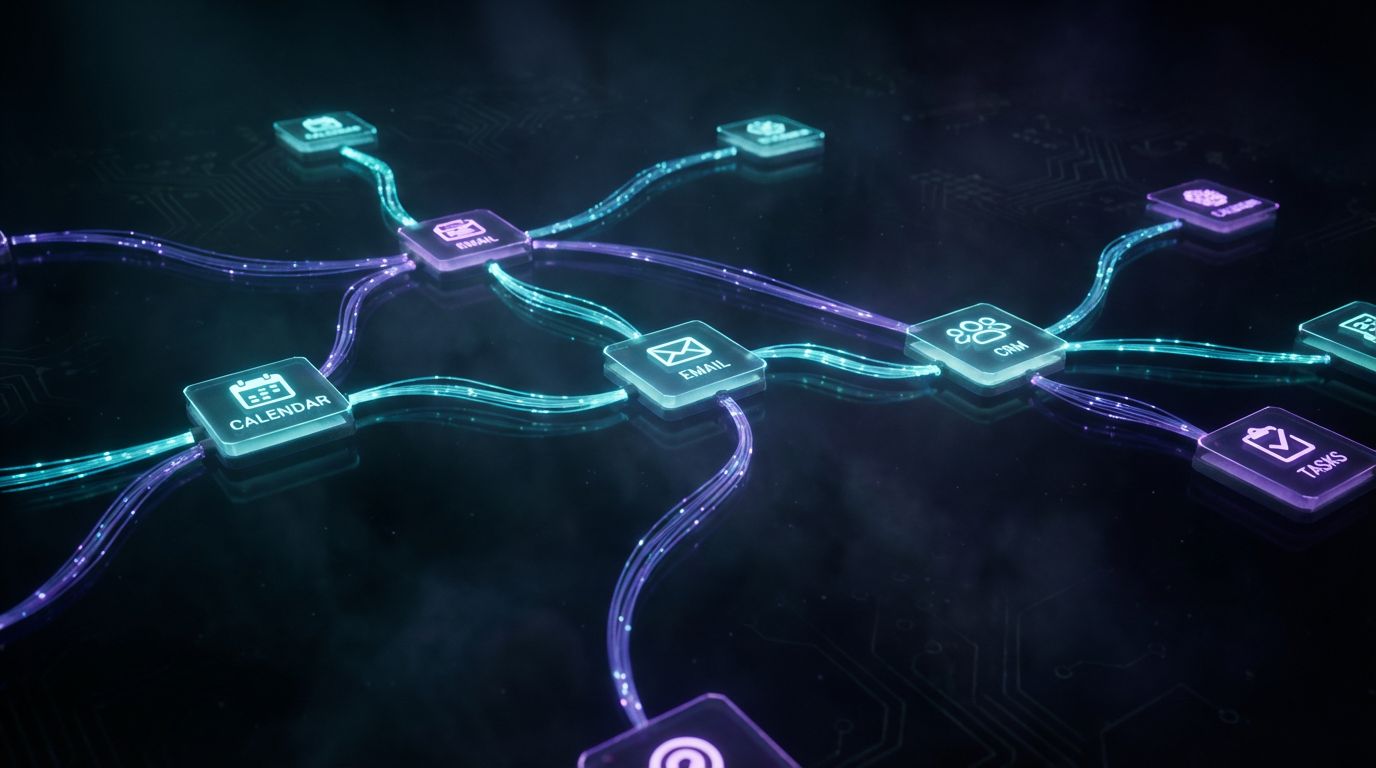
Under the hood, none of this is magic.
A reliable AI virtual personal assistant is a stack of components wired into your existing tools with clear rules.
The problem is that vendors love buzzwords and pretty dashboards.
What matters in practice is how the language model, orchestration, and integrations actually talk to each other in your specific workflows.
The Tech Stack (Without the Buzzwords)
First, there’s the language understanding layer—the large language model (LLM) or NLU engine.
This is what reads natural language, maintains context, and generates reasonable responses or instructions.
Second, there’s the orchestration or workflow layer.
This is where we define: “When you see X pattern in an email, call Y action in the calendar or CRM, then send Z reply.”
Third, there are the integrations themselves: secure, authenticated connections to your calendar, email, document storage, CRM, and other systems.
Tools like Zapier, Make, or more advanced orchestration platforms help, but they only create value when wrapped in a coherent workflow design that reflects how your team actually works.
Key Integrations: Calendar, Email, Docs, CRM
Calendar integration unlocks availability-aware scheduling.
Your assistant can see free/busy information, create and update events, attach conferencing links, and respect your rules (for example, buffer times between meetings).
Email integration allows the assistant to read messages, classify them, draft replies, and—under tightly controlled conditions—send on your behalf.
We usually start with draft-only mode and graduate to auto-send for low-risk scenarios once trust is built.
Document integration lets the assistant summarize long docs and meeting notes and pull out action items.
CRM integration, via AiBizBuild’s CRM Integration & Inbox Management, is the glue that keeps your pipeline and records accurate: every important email and meeting is logged automatically, not when someone remembers.
Guardrails, Permissions & Human-in-the-Loop
The difference between a useful assistant and a liability is guardrails.
You decide which inboxes it can see, who it is allowed to email automatically, and what data it can update.
Typical patterns we implement include:
never email a new external contact without human review; auto-confirm internal meetings; auto-log CRM activities; and only reschedule with pre-approved templates.
We also design human-in-the-loop checkpoints.
For example, the assistant drafts important prospect emails and routes them into a lightweight automated approval workflow so you (or your team) can approve, edit, or reject quickly without re-writing from scratch.
Why DIY AI Assistants Often Fail
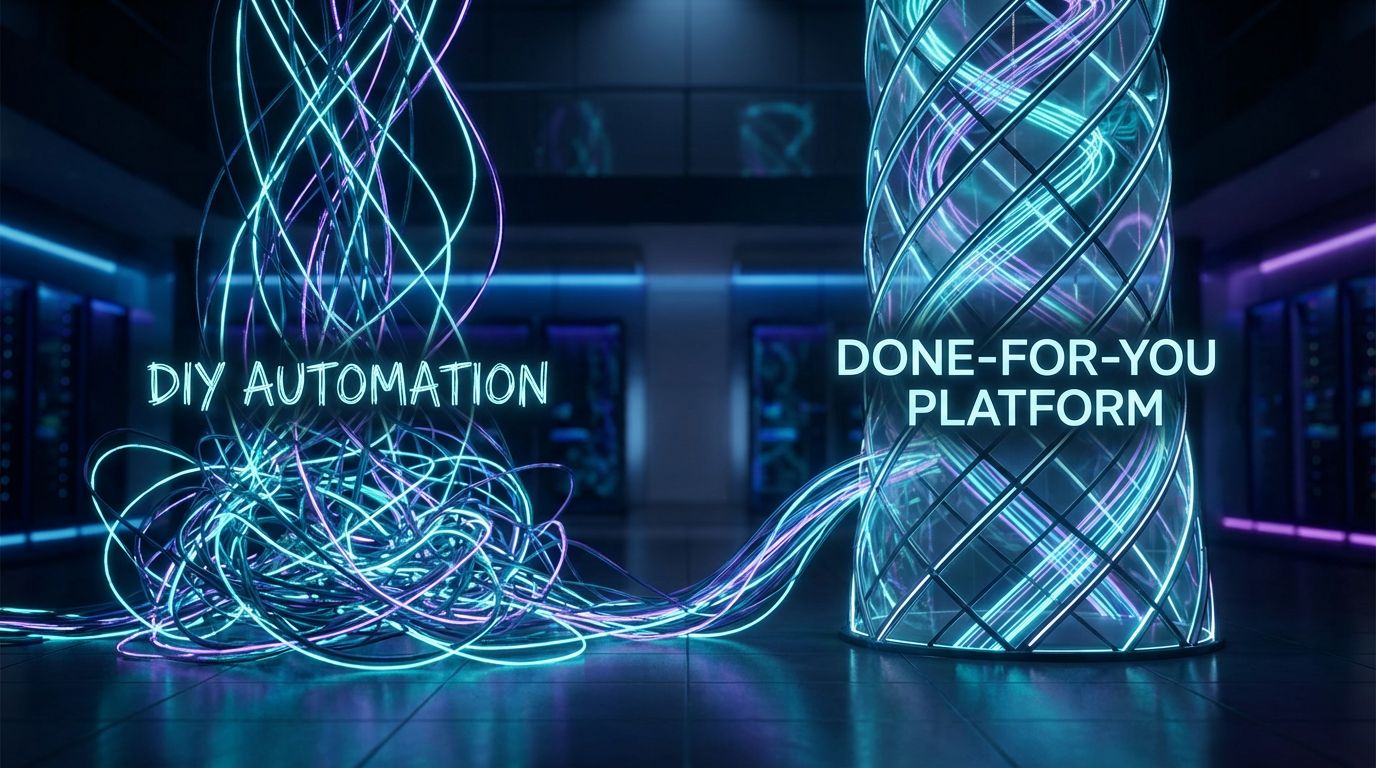
On paper, you could duct-tape this together yourself: grab a few SaaS tools, connect to your inbox, and call it a day.
In reality, this is where most internal experiments stall out.
The demo looked effortless.
Then you plug it into your messy real-world data and unpredictable workflows, and the cracks appear.
The Hidden Complexity Behind the Demos
Vendors like Zendesk, NICE, and others are good at showing polished intelligent virtual assistants in tightly controlled scenarios.
They don’t show the month of work that went into cleaning data, configuring flows, and tuning prompts behind the scenes.
Most real teams have overlapping calendars, shared inboxes, inconsistent naming conventions, and half-adopted tools.
If you plug AI directly into that, you get inconsistent behavior at best and bad decisions at worst.
In my experience, 80% of the work in making a smart virtual assistant reliable is in the unglamorous parts: modeling processes, defining edge cases, configuring access, and building feedback loops to catch mistakes early.
Common DIY Failure Modes
Here are the patterns I see again and again when teams try DIY virtual personal assistant AI projects.
First, scheduling chaos: the assistant books over personal holds, ignores time zones, or fails to recognize internal vs external attendees because calendar data wasn’t modeled correctly.
Second, off-brand or risky communication: someone flips on “auto-reply” for too broad a set of emails, and the assistant sends messages that are tone-deaf or promise things the team can’t deliver.
No one defined the guardrails.
Third, no improvement over time: there’s no metric dashboard, no review process, and no structured way to feed corrections back into the system.
After a few embarrassing mistakes, the team quietly switches it off and concludes “AI assistants don’t work for us.”
Why a Done-For-You Approach Is Cheaper Than Expensive Trial-and-Error
If you have a deep internal automation team, experimentation can make sense.
But for most founders and operations leaders, the opportunity cost of months of false starts is far higher than bringing in a specialist agency that builds these systems all day.
At AiBizBuild, our role is to own the end-to-end design, integration, testing, and optimization of your intelligent virtual assistant workflows.
You bring the context and objectives; we translate that into robust flows across calendar, inbox, CRM, and related systems.
To highlight the trade-offs, here’s how DIY AI VA setup compares to a done-for-you implementation.
| Aspect | DIY AI VA Setup | Done-For-You by AiBizBuild |
|---|---|---|
| Setup Time | 1–6 months of part-time effort with stop-start progress | Structured 30–60 day rollout with defined milestones |
| Required Internal Skills | Mix of automation, API, security, and prompt-design skills that most teams don’t have in-house | Leverages AiBizBuild’s automation architects and engineers; your team focuses on domain knowledge |
| Risk of Misconfigurations | High: easy to over-permission or mis-wire flows that send wrong emails or corrupt CRM data | Mitigated: security, permissions, and guardrails designed from prior implementations |
| Speed to First Meaningful Automation | Unclear; often stuck in perpetual pilot mode | Weeks, not months—starting with 1–3 high-impact workflows |
| Ongoing Optimization Burden | Falls on already stretched internal ops/IT teams | Handled by AiBizBuild as part of a structured optimization engagement |
When to Choose an AI Assistant vs a Human VA
Intelligent virtual assistants are not a universal replacement for human assistants.
They’re a force multiplier for the right kind of work.
The goal isn’t to eliminate people.
It’s to stop paying human rates for repeatable patterns that an AI can execute consistently and instantly.
Tasks AI Handles Best
Smart virtual assistants excel at high-volume, structured, low-risk tasks.
If a task follows a clear pattern and you can define success in a few bullet points, it’s probably a good candidate.
- Scheduling and rescheduling recurring types of meetings.
- Standardized email replies (intros, confirmations, basic FAQs).
- Summarizing meetings, email threads, and long documents into concise briefs.
- Updating CRM and project tools after interactions.
- Kick-starting outbound sequences in coordination with automated prospecting and outreach workflows.
These are the areas where a virtual personal assistant AI will quietly save you hours a week with minimal risk.
Tasks Where Humans Still Win
Humans are still better at judgment, nuance, and relationship-building.
If a misstep would meaningfully damage trust, keep a person in the loop.
- Complex stakeholder management where politics and history matter.
- Sensitive HR or performance conversations.
- High-stakes negotiations or custom deal structures.
- Deep project coordination that involves resolving conflicts between teams or priorities.
The sweet spot for most organizations is a hybrid model: intelligent virtual assistants do the heavy lifting and prep work, while human VAs and leaders handle the conversations and decisions that truly require a human touch.
A Simple Decision Framework
When you’re deciding whether to point a human VA, an AI assistant, or both at a task, use this simple framework.
- High volume, structured, low-risk (for example, scheduling intros, logging calls): favor AI first.
- Low volume, high relationship impact (for example, delicate partner conversations): favor human.
- Medium volume, mixed risk (for example, prospect follow-ups): use AI to draft and organize, human to review and send.
Start with a narrow slice—often scheduling plus daily summaries—prove the value, and then expand coverage.
That way, your intelligent virtual assistant earns trust instead of demanding it upfront.
Implementation Blueprint & How AiBizBuild Helps
Let’s talk about what it actually looks like to roll out an intelligent virtual assistant with AiBizBuild.
This is not another SaaS login; it’s a structured, done-for-you implementation of automation around your existing tools.
Our focus is on designing systems, not selling licenses.
We come in as your automation partner, not another notification in your inbox.
30–60 Day Rollout Overview
We typically structure intelligent virtual assistant projects into a 30–60 day rollout.
The exact timeline depends on your stack complexity, but the phases are consistent.
- Weeks 1–2 – Discovery & Mapping: Deep dive on your current scheduling, inbox, CRM, and admin workflows. We quantify volumes, identify top friction points, and map the “as-is” state.
- Weeks 3–4 – Design & Integration: We design the target workflows, define guardrails, and configure integrations for calendar, email, CRM Integration & Inbox Management, and (if relevant) 24/7 Appointment Booking Systems or AI Voice Agents.
- Weeks 5–6 – Pilot, Measure, Refine: We roll out 1–3 high-impact flows to a pilot group, instrument metrics (time saved, response times, error rates), and iterate based on real usage before scaling out.
Throughout this process, your team’s primary job is to share how you work today and approve the designed flows.
Ours is to turn that into a robust, scalable automation layer.
Where AiBizBuild Fits in Your Stack
AiBizBuild is deliberately not another monthly SaaS that your team has to adopt.
We’re a premium automation agency that plugs into your existing tools and makes them work together intelligently.
We connect your email and calendar stack, configure CRM Integration & Inbox Management, and, where useful, layer in AI Voice Agents and 24/7 Appointment Booking Systems for phone-based appointment-setting.
We can also extend similar automation patterns into adjacent areas such as SEO content & blog automation or social media workflow automation when that’s a priority.
The outcome is a set of intelligent virtual assistants—across text and voice—that behave like an always-on personal ops layer, not another disconnected tool you have to babysit.
What Happens in a Workflow Audit (CTA Section)
If you’re considering this seriously, the cleanest next step is a focused Workflow Audit.
In 20–30 minutes, we can usually see exactly where a virtual personal assistant AI will pay for itself quickly.
In a Workflow Audit with AiBizBuild, you can expect:
- A structured review of your current scheduling, inbox, and admin workflows, including time and volume estimates.
- Identification of 3–5 quick-win workflows where intelligent virtual assistants can reliably save you time.
- A high-level architecture and 30–60 day implementation plan, including an initial ROI model based on hours saved, reduced errors, and extended coverage.
If you’re serious about reclaiming 10–20 hours per week from low-leverage admin, book a Workflow Audit with AiBizBuild and we’ll show you where a smart virtual assistant fits cleanly into your existing stack.
FAQs
Is an intelligent virtual assistant secure enough to access my inbox and calendar?
Yes—if it’s implemented correctly.
We use secure, audited authentication (for example, OAuth), apply least-privilege access so the assistant only sees what it needs, and configure strict guardrails around what it’s allowed to do.
Access can be scoped to specific mailboxes, labels, or calendars, and we can restrict actions to drafting-only in the early phases.
As part of our CRM Integration & Inbox Management work, we align permissions with your existing security and compliance requirements, so the assistant enhances control instead of undermining it.
How long does it take to set up an AI virtual personal assistant for my team?
Most teams can get from zero to a meaningful pilot in 30–60 days.
The lower end of that range is realistic when your stack is relatively standard (Google Workspace or Microsoft 365 plus a mainstream CRM); more complex environments may take slightly longer.
The key is to start with a narrow, high-impact slice—usually scheduling plus inbox triage—prove the value, and then layer on additional workflows.
Our rollout blueprint is designed to get you to tangible time savings quickly, not spend months in architecture diagrams.
Do I need in-house developers or data scientists to maintain this?
No.
With a done-for-you partner like AiBizBuild, your internal team does not need to become AI infrastructure experts.
We handle configuration, integrations, prompt and policy design, and ongoing adjustments as your processes evolve.
Your responsibility is to give us access to the right tools, clarify how you want edge cases handled, and participate in periodic reviews.
Will an intelligent virtual assistant replace my human VA or team members?
In most cases, no—it will change what they spend their time on.
Instead of your VA or operations staff burning hours on copy-paste tasks and manual scheduling, the assistant handles that baseline work.
Your people move up the value chain into relationship management, exception handling, and higher-order projects.
A well-implemented intelligent virtual assistant turns a good VA into a force multiplier rather than a replacement.
What does an engagement with AiBizBuild cost, and how do I know if the ROI makes sense?
Pricing depends on the scope and complexity of your workflows, the number of systems involved, and whether voice and phone-based assistants are in play.
We don’t try to be the cheapest option; we aim to be the option that actually works and pays for itself quickly.
During the Workflow Audit, we estimate your current time and error costs around scheduling, inbox, and admin.
From there we model potential savings and design an engagement sized so that the projected ROI is obvious within a few months, not years.
Do I need to switch CRMs or email tools to work with AiBizBuild?
Usually not.
Our approach is to integrate intelligent virtual assistants into the tools you already use: Google Workspace or Microsoft 365 for email/calendar, plus your existing CRM and project tools.
There are edge cases where extremely legacy systems limit what’s possible, but for most B2B stacks we can build the automation layer on top of what you already have.
Part of the Workflow Audit is confirming compatibility and recommending minimal changes only where they unlock significant additional value.
How do you choose which AI or IVA vendors to use under the hood?
We stay pragmatic and vendor-agnostic.
Our job is to design the workflows and then select the mix of language models, orchestration platforms, and connectors that best fit your requirements for security, performance, and cost.
We don’t push a single proprietary tool because your needs may evolve.
By treating vendors as interchangeable components under a well-designed system, we keep your intelligent virtual assistants flexible instead of locking you into one monolithic platform.