

AI Video Interview Software: Automating Candidate Screening with Video Assessments
Key Takeaways
– ai video interview software can cut initial screening time by 50–70% when paired with automated scoring, transcription, and behavior analysis.
– The biggest ROI comes not from the tool itself, but from the workflow design: how you integrate HR AI tools into your ATS, scorecards, and recruiter routines.
– Agencies like AiBizBuild turn off‑the‑shelf hr ai software into a done‑for‑you AI talent management software system that reduces interviewer hours and accelerates time‑to‑hire.
In This Guide:
🔍 The Landscape of AI Video Interview Software – Where video assessments fit in modern hiring
📹 Manual vs AI-Driven Video Screening – Old workflows vs automated pipelines
🧠 How AI Scoring, Transcription, and Behavior Analysis Work – Under-the-hood overview
⚠️ Why DIY Implementations Fail – Hidden costs and risks of going it alone
🧩 Choosing the Right AI Video Interview Stack – Vendor comparison checklist
📈 ROI Model: Time Saved Per Hire & Fewer Interviewer Hours – Concrete math you can take to finance
🚀 Use Case: Automated Screening for High-Volume Roles – A full end-to-end workflow
🤝 How AiBizBuild Designs and Implements HR AI Tools for You – Done-for-you build vs buying software
❓ FAQs on AI Video Interview Automation – Security, bias, timeline, and more
Most HR and TA teams already feel the strain: too many applicants, too few recruiters, and a calendar full of phone screens and first-round Zooms. AI video interview software promises to fix that, but buying a tool is the easy part. Designing a reliable, fair, automated screening system around it is where most teams get stuck.
This guide is not another vendor listicle. It is a practical, implementation-focused playbook for turning video interview platforms into a measurable reduction in recruiter hours, faster time-to-hire, and more consistent decisions. We’ll walk from the old phone-screen world into automated video workflows, then show how AiBizBuild turns your chosen tools into a done-for-you screening engine.
The Landscape of AI Video Interview Software
In the last decade, screening has shifted from landline phone calls to Zoom, and now to async video and AI-enhanced assessments. Each step has added convenience, but only the latest generation of hr ai tools has the potential to materially change recruiter workload. The opportunity is to let machines handle the repetitive triage while humans focus on judgment-heavy decisions.
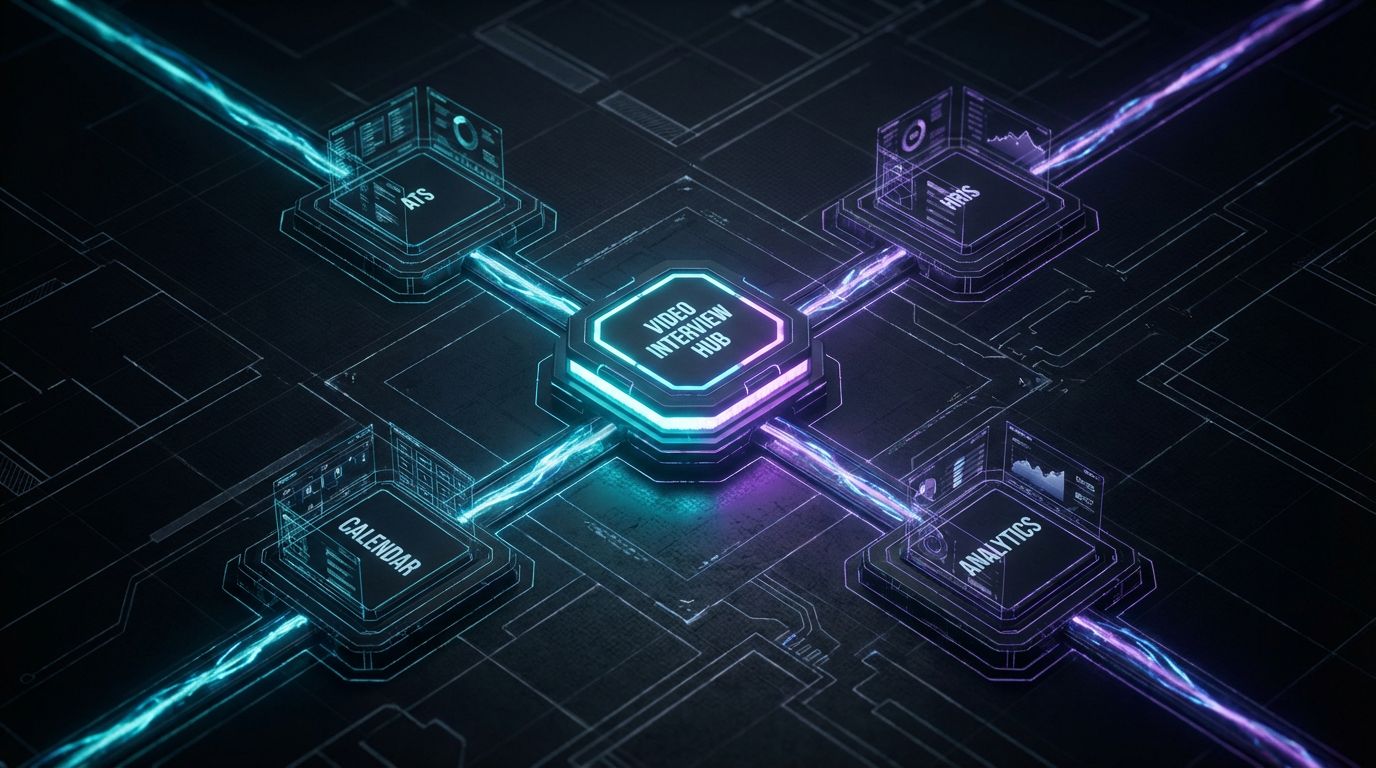
Today’s ai video interview software sits alongside your ATS, HRIS, and scheduling tools as part of a broader hr ai software ecosystem. When designed well, it becomes a key layer within a more holistic ai talent management software stack: sourcing, screening, assessment, and internal mobility all share structured data instead of disconnected notes.
From Phone Screens to AI-Driven Video Assessments
For years, the default first round was a 30-minute phone screen: a recruiter juggling calendars, calling candidates, and typing notes into the ATS. Then came Zoom and Teams, which improved candidate experience but did little to reduce recruiter hours or standardize evaluation. The process was still synchronous and dependent on each recruiter’s style.
Async/on-demand video interviews were the first real break from that pattern. Candidates record responses on their own time, and recruiters review later, often sharing clips with hiring managers. The latest evolution layers in AI scoring, transcription, and structured rubrics, turning those videos into data-rich inputs for downstream ai talent management software and analytics dashboards.
What AI Video Interview Tools Actually Do
At a minimum, modern platforms provide async video question delivery: candidates click a link, see pre-set questions, and record responses within time limits. They also provide automated transcription, so every answer becomes searchable, analyzable text rather than subjective memory. This alone is a major upgrade from messy phone notes.
On top of that, many tools offer AI scoring against competencies, keyword patterns, or model answers, plus optional behavior or communication-skill signals. The value only materializes when those scores, transcripts, and statuses are tightly integrated with your ATS, calendars, email/SMS, and reporting—turning standalone hr ai tools into an operational layer of your end-to-end hr ai software stack.
Manual vs AI-Driven Video Screening
Most HR and TA leaders are still living in a hybrid world: some roles use a video tool, but most first rounds are phone-based and heavily manual. Understanding the contrast between the old workflow and a fully automated one is the fastest way to see where your team is bleeding time. Once you see it side by side, the case for automation becomes an ROI conversation, not a “nice-to-have tech” debate.
The Old Way: Phone Screens, Calendars, and Gut Feel
In a typical process, a recruiter reviews resumes, decides who to phone screen, and emails or calls to schedule a 20–30 minute call. They spend time chasing responses, rescheduling, and updating the ATS. During the call, they scribble notes or type into a freeform field, then manually decide who moves forward.
This creates several issues: high recruiter hours per candidate, inconsistent questions, and heavily subjective evaluations that vary by recruiter and day of the week. It also leads to scheduling chaos, slower time-to-first-touch, and a frustrating experience for candidates who never hear back or wait days for that first conversation.
The New Way: Automated, Data-Rich Video Interviews
In an automated video-first workflow, applying to a role triggers a structured, mostly hands-off process. Qualified candidates automatically receive a branded invite to a short async video assessment with clear expectations and deadlines. The system handles reminders, captures responses, and generates transcripts and scores with no recruiter on the call.
Recruiters and hiring managers then review only the candidates who meet score thresholds or specific criteria, often consuming 5–10 minutes of review instead of 30 minutes of live conversation. Evaluations are standardised via structured scorecards, and data from the assessment flows directly into the ATS and reporting stack, increasing fairness and speed at the same time.
Comparing Workflows Side-by-Side
When you put the manual and AI-driven approaches next to each other, the difference in time, consistency, and scalability is stark. The table below uses conservative estimates you can adapt to your own volumes and costs.
| Aspect | Manual/Phone/On-Site Screening | AI Video Interview Software Workflow |
|---|---|---|
| Time to first screen | Typically 3–7 days due to back-and-forth scheduling and calendar constraints. | Often <24 hours; invites sent automatically as soon as candidates meet basic criteria. |
| Recruiter hours per candidate | 20–40 minutes (scheduling, conducting call, note-taking, ATS updates). | 5–10 minutes (review highlights and scores; no live scheduling). |
| Candidate experience | Limited time slots, timezone friction, unpredictable call lengths, and often no follow-up. | Complete anytime within a window, clear expectations, branded interface, automated updates. |
| Consistency of evaluation | Questions and notes vary by recruiter; heavy reliance on gut feel and memory. | Standardized questions, structured scorecards, AI assistance, easier calibration across teams. |
| Data for decision-making | Scattered notes in ATS fields or spreadsheets; hard to compare candidates at scale. | Searchable transcripts, scores, tags, and structured fields feeding into analytics and ai talent management software. |
| Scalability for high-volume hiring | Recruiter bandwidth caps volume; adding roles means adding more humans. | Screening load scales with compute, not headcount; recruiters focus on finalists and exceptions. |
How AI Scoring, Transcription, and Behavior Analysis Work
To get credible value from ai video interview software, your stakeholders need a simple explanation of what the AI is actually doing. If the tech feels like a black box, hiring managers will ignore the scores and default back to watching every video in full. A clear, pragmatic understanding of transcription, content analysis, and behavior signals builds trust and keeps humans in the right part of the loop.
Under the Hood: Transcription and Content Analysis
First, the platform converts audio from each response into text using speech-to-text models, usually with high accuracy across supported languages. That transcript is then run through NLP models that look for keywords, phrases, and patterns mapped to your competency framework and role requirements. Think of it as structured, machine-speed note-taking.
On top of this, the system can apply structured scoring rubrics aligned to behavioral questions or model answers, assigning scores by competency (e.g., communication, customer focus, problem solving). In well-designed deployments, those scores are a decision aid, not a final verdict, and reviewers can always override or annotate with human judgment.
Behavior and Soft-Skill Signals (and Their Limits)
Some tools go further, analyzing aspects like speech rate, pauses, filler words, and facial expressions as proxies for confidence or engagement. While these behavior and soft-skill signals can surface patterns, they also carry risk if they’re not carefully validated for fairness across demographics. Over-reliance on appearance or micro-expressions is a recipe for bias.
Enterprise-grade approaches treat these signals as optional, supplementary context and prioritize validated, role-relevant content measures. The right stance is: use behavior analytics cautiously, document what is and isn’t used in scoring, and maintain transparent policies that your legal and DEI teams are comfortable defending.
Where HR AI Tools Plug Into Your Stack
From a systems perspective, the outputs of your video assessments—scores, transcripts, tags, and status changes—should flow directly into your ATS and reporting tools. That is where hr ai tools stop being isolated gadgets and start acting like a coherent hr ai software layer. Done right, a recruiter can open a candidate in the ATS and see latest video score, key transcript snippets, and stage automatically updated.
Those same structured fields feed into dashboards, headcount plans, and even internal mobility modules in your broader ai talent management software. The limiting factor is rarely the AI model itself; it is whether someone has taken the time to design the integrations, field mappings, and workflows that connect all these moving parts.
Why DIY Implementations Fail

Most organizations don’t fail because they picked the wrong ai video interview software. They fail because they assumed “it’s just another SaaS tool” and tried to bolt it onto existing workflows without proper design. The result is a partially configured platform that recruiters quietly work around while licenses renew in the background.
If you’ve seen teams struggle with DIY setups in other domains like Social Media Workflow Automation, you already know the pattern. The gap isn’t awareness or intent; it’s architecture, integration, and change management discipline.
Tool Purchased, Workflow Undesigned
A familiar story: the business case is approved, legal signs off, and the team signs a contract with a video interview vendor. Implementation calls focus on branding, question templates, and basic SSO setup. Then everyone goes back to their day jobs and the platform ends up as a simple “send link, watch videos” utility.
What’s missing is a deliberate design of who gets invited when, based on what triggers, and routed to which workflow paths. Without that, video becomes just another manual step, not an automation engine, and it is impossible to show finance a credible ROI because nothing about recruiter workload has truly changed.
Integration, Data, and Governance Complexity
The moment you move beyond a pilot, you hit integration and governance questions that a basic admin wizard can’t solve. How do stages map between your ATS (Greenhouse, Lever, Workday, etc.) and the video platform for different departments and regions. Who owns exception handling when candidates need accessibility accommodations, reschedules, or alternate formats.
You also need clear data retention policies, consent flows by geography, and documentation for legal and DEI teams on how AI scores are used. This is architect-level work: designing field mappings, triggers, webhooks, and rules that your hr ai tools respect reliably instead of improvising in production under time pressure.
Change Management and Hiring Manager Adoption
Even the best-configured workflow fails if hiring managers don’t trust it. If they don’t understand what an AI score means or how to interpret transcripts and highlights, they will either ignore the system or double-work by re-watching everything. That destroys the time savings you were aiming for.
DIY implementations rarely include proper playbooks, training sessions, or SLAs for response times and decision-making. In contrast, mature setups treat interview workflows the same way modern teams treat content approval workflows: with clearly defined states, owners, and escalation paths that everyone can follow.
The Hidden Cost of DIY vs Agency Support
On paper, DIY looks cheaper because you are “just” using internal HR Ops and IT resources. In practice, the hours add up quickly and are often spent by your most valuable people, who are context-switching between implementation and business-as-usual hiring. Worse, failed pilots erode stakeholder confidence and make it harder to get buy-in for future automation projects.
A specialized partner like AiBizBuild amortizes this complexity across many clients, reusing patterns and templates for HR & Recruitment Screening Bots and CRM Integration & Inbox Management. The comparison below shows how DIY vs done-for-you typically plays out over the first few months.
| Dimension | DIY In-House Setup | AiBizBuild Done-For-You Build |
|---|---|---|
| Time to first working workflow | Often 8–16 weeks to get beyond a basic pilot, due to competing priorities and trial-and-error. | 4–6 weeks to launch a scoped, production-ready workflow for priority roles. |
| Internal hours required (TA, HR Ops, IT) | Easily 150–300+ hours across stakeholders for design, testing, and rework. | 30–60 hours focused on discovery, reviews, and training; build handled externally. |
| Integration quality and robustness | Basic connections, limited automation rules, fragile workarounds for edge cases. | Battle-tested automations, clear field mappings, exception handling, and logging. |
| Ongoing optimization | Ad hoc tweaks when issues arise; improvements depend on scarce internal capacity. | Planned iterations based on data, feedback loops, and automation best practices. |
| Risk of misconfiguration / compliance gaps | Higher; policies and workflows are often undocumented, making audits difficult. | Lower; AiBizBuild designs with governance, auditability, and legal/DEI input in mind. |
Choosing the Right AI Video Interview Stack
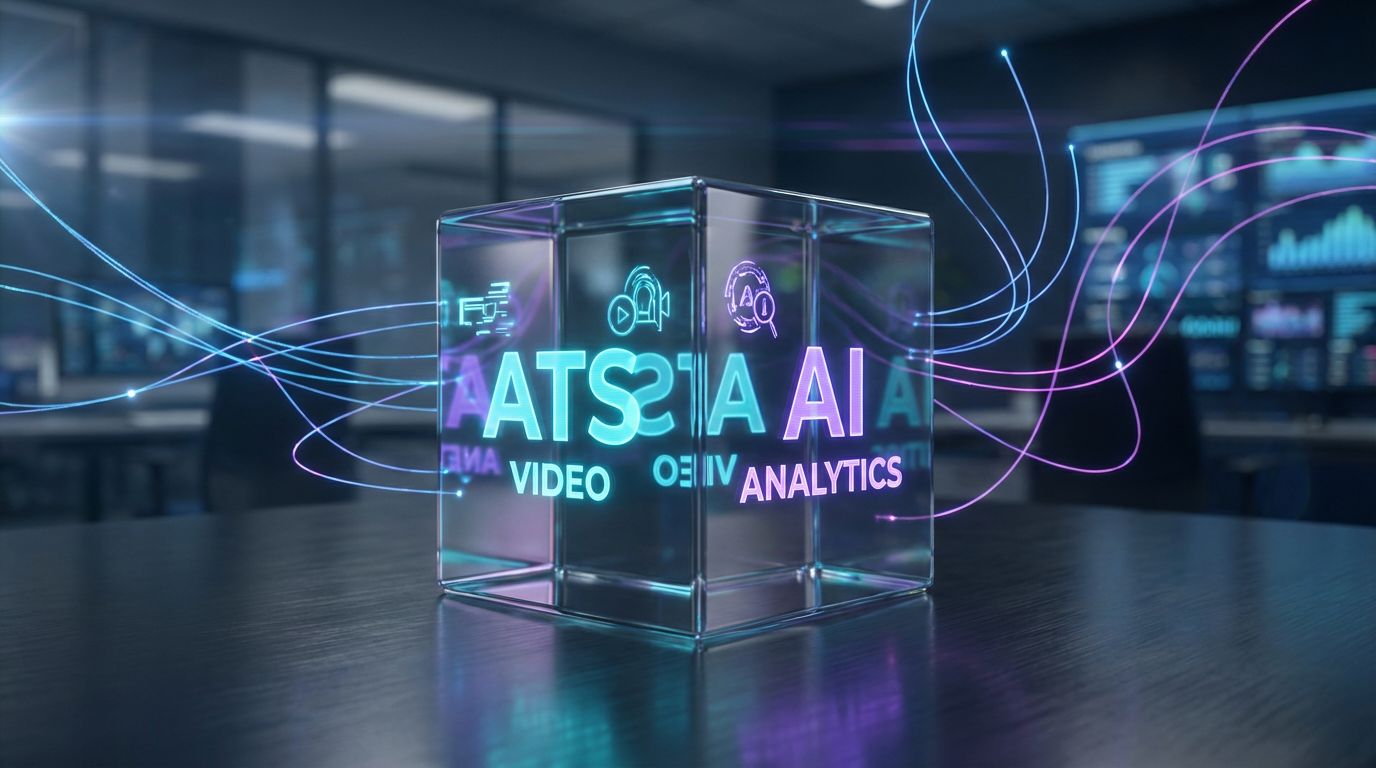
Vendor pages and listicles tend to present ai video interview software as a standalone choice: pick Tool A or Tool B. In reality, you’re assembling a stack where video is just one component alongside ATS, HRIS, calendars, messaging, and analytics. The stack view is where hr ai tools stop competing as isolated products and start acting as interoperable pieces of your operating model.
The specific vendors matter less than whether the stack supports your workflows, integrates cleanly, and can be automated. That’s why many teams benefit from a neutral implementation partner who can design the system around your goals rather than pushing a single platform.
Core Components of an AI Video Interview Tech Stack
A robust screening stack typically includes an async video interview platform that can also support live interviews or panel review. Your ATS/HRIS remains the system of record, holding requisitions, candidates, and offer data. A scheduling layer—either native or third-party—coordinates live steps when needed.
On top of that, you need reliable communication channels for email and SMS notifications, ideally with centralized CRM Integration & Inbox Management so recruiters aren’t chasing replies in personal inboxes. Finally, reporting tools or embedded analytics bring all of this together into dashboards that leaders and HR Ops can use to monitor throughput, conversion, and fairness.
Vendor Comparison Checklist for HR AI Software
When you evaluate hr ai software vendors, focus less on glossy feature names and more on how well they fit your stack and processes. Use a checklist like this to guide RFPs and demos, and insist on clear answers rather than vague promises.
- Integrations: Native connectors to your ATS/HRIS, SSO support, calendar integrations (Google/Microsoft), webhook or API access.
- AI capabilities: Quality of transcription, supported languages, explainability of scoring, configuration of role-specific rubrics.
- Compliance & bias: Documentation on model training, bias audits, data retention options, and region-specific compliance (e.g., GDPR).
- Candidate experience: Mobile optimization, accessibility features, branding options, time limits, and support for low-bandwidth scenarios.
- Reporting & data export: Standard reports, custom dashboards, export to BI tools, and integration with broader ai talent management software.
- Implementation support: Availability of solution architects, documentation quality, and willingness to support non-standard workflows.
Beyond the Tool: Evaluating Implementation Partners
Even the best hr ai tools will underperform without a team that can design and maintain the workflows around them. When you evaluate partners, look for firms that treat screening flows the way dev teams treat production systems: with architecture diagrams, version control, and clear owners. You want someone who can say, “Here’s the trigger, here’s the condition, here’s the action” for every edge case.
AiBizBuild, for example, focuses on HR & Recruitment Screening Bots and CRM Integration & Inbox Management, plus similar automation work in areas like SEO Content & Blog Automation. The common thread is turning tools into systems: clear triggers, routing logic, and dashboards that let leaders see the impact rather than just the tech.
ROI Model: Time Saved Per Hire & Fewer Interviewer Hours
Finance and executives don’t care that your new platform uses generative AI and neural embeddings. They care how many hours your team gets back, how quickly roles fill, and whether you can maintain or improve quality. A conservative, transparent ROI model grounded in your hiring volumes is the fastest way to turn this from an IT spend into a strategic capacity investment.
Baseline: What Manual Screening Really Costs
Start with a simple scenario: imagine you make 50 hires per year for a high-volume role, each with roughly 200 applicants. Perhaps you phone-screen 4–5 candidates for every hire, so around 250 phone screens annually. For each phone screen, assume 20–30 minutes of conversation plus 10 minutes of admin and ATS updates.
That puts you at roughly 30–40 minutes per candidate, or 125–165 recruiter hours per year just for this one role’s first-round calls. Add in hiring manager time for second screens, and the total hours per hire climb quickly, especially when you factor in reschedules and no-shows that double the effort for some candidates.
Automated Video Screening: New Time and Cost Profile
With an async video workflow, every qualified candidate receives an automated invite and completes the same structured assessment. Instead of spending 30 minutes per candidate live, the recruiter spends 5–10 minutes reviewing AI-highlighted clips, transcripts, and scores for the subset near the decision boundary or flagged as high potential. Many clearly unqualified candidates are filtered automatically by rules and thresholds.
If you cut recruiter review time to an average of 10 minutes per candidate while keeping the same 250-candidate pool, you drop from roughly 125–165 hours to 40–45 hours. That’s a 60–70% reduction in recruiter time on first-round screening for that role, before you count time saved on scheduling, reminders, and manual status updates.
Example ROI Calculation You Can Adapt
Here is a concrete, conservative model you can plug into Excel and adjust for your context. Assume 50 hires per year, 5 screened candidates per hire, 30 minutes of recruiter time per manual screen, and a fully loaded recruiter cost of $60/hour.
- Manual hours: 50 hires × 5 candidates × 0.5 hours = 125 hours/year.
- Manual cost: 125 hours × $60 = $7,500/year in recruiter time for this stage alone.
- Automated hours: reduce to 0.15 hours (9 minutes) per candidate → 50 × 5 × 0.15 = 37.5 hours/year.
- Automated cost: 37.5 × $60 = $2,250/year.
That’s a savings of 87.5 hours and $5,250 per year on a single role’s first-round screening, not counting hiring manager time, reduced time-to-hire, or fewer lost candidates. When you multiply this across multiple high-volume roles and add the fact that AiBizBuild handles the heavy implementation lift, the payback period on a well-designed system is typically measured in months, not years.
Use Case: Automated Screening for High-Volume Roles
To make all of this more tangible, let’s walk through a specific scenario: high-volume customer support or retail hiring. These roles flood your ATS with applicants every time you open a requisition. The core requirements—availability, communication skills, basic problem-solving—are repeatable, but your team still spends hours on resumes and first-round calls.
This is where ai video interview software combined with purpose-built HR & Recruitment Screening Bots can turn a painful process into a predictable, scalable workflow that runs with minimal human intervention.
Scenario: High-Volume Customer Support or Retail Hiring
Imagine you have hundreds or thousands of applicants each month across multiple locations or markets. Your recruiters and store managers are drowning in resumes, trying to quickly separate serious candidates from casual applicants. Many strong candidates drop out while waiting for that first contact, or get snapped up by faster competitors.
The criteria for success are relatively clear: availability, language skills, communication style, and basic scenario handling. That makes these roles perfect for structured, async video assessments with automated triage, freeing your team to focus on offers, onboarding, and retention initiatives rather than endless first-round calls.
Step-by-Step Automated Workflow
Here’s what a fully automated high-volume workflow might look like when AiBizBuild designs and implements it around your stack. For simplicity, assume your ATS is the system of record and your preferred ai video interview software handles async assessments.
- Application intake: Candidate applies via job board or career site; application lands in ATS with key fields captured (location, availability, language, basic screening questions).
- Bot-based pre-filter: An HR & Recruitment Screening Bot runs rules based on your criteria (e.g., must-have availability, location fit) and tags qualified candidates automatically.
- Automated video invite: Qualified candidates are instantly sent a branded invite to complete a short async video interview within a set time window, with reminders managed via CRM Integration & Inbox Management.
- Assessment & scoring: Candidate completes the interview; the platform auto-transcribes responses and applies your scoring rubric for communication, scenario responses, and culture-aligned behaviors.
- Routing & exceptions: If score ≥ threshold, the workflow auto-updates the ATS stage and notifies the recruiter or hiring manager. Borderline cases are flagged for manual review; clearly unqualified candidates receive a courteous, automated rejection.
- Dashboards & monitoring: Weekly dashboards show funnel metrics: invite-to-completion rates, pass-through rates by location, time-to-first-screen, and hiring manager feedback. Ops teams adjust thresholds and questions based on real-world performance.
Throughout this flow, all candidate communication is centralized, so recruiters don’t lose track of replies across personal inboxes. Automations handle 90% of the repetitive work, but humans still make the final decisions and refine the system based on outcomes.
Measurable Outcomes for This Use Case
For high-volume support or retail roles, we typically see 50–70% reductions in time-to-first-screen once async invites are automated. Recruiters reclaim multiple hours per week that used to be spent on manual scheduling, basic qualification questions, and no-show calls. Hiring managers receive shortlists with video snippets and scores instead of raw CVs.
Completion rates often improve as well, because candidates can respond on their own time, and reminders are consistent and automated. When combined with the ROI model above, these workflows give HR and TA leaders a credible, numbers-backed story for why investing in hr ai software plus expert implementation is smarter than adding more headcount just to keep up with volume.
How AiBizBuild Designs and Implements HR AI Tools for You
AiBizBuild is not another SaaS vendor competing to be your next platform logo. We are a premium automation agency that works with the ai video interview software you already have—or are about to buy—and turns it into a system that recruiters and hiring managers actually use. Our focus is on workflows, not just features.
The same way we build scalable systems for SEO Content & Blog Automation, we design and implement HR automation so you don’t have to become experts in triggers, webhooks, and scoring logic. Your team stays focused on hiring outcomes while we handle the architecture.
From Tool Shopping to System Design
Many clients come to us after shortlisting a few hr ai tools or already signing a contract with a video platform. Instead of arguing over which logo to pick, we start by mapping your current process: which roles, what volumes, where the bottlenecks are, and which metrics matter to your leadership. That becomes the blueprint for a real automation plan.
From there, we design the end-to-end system: how candidates move between stages, what triggers invites, how exceptions are handled, what data flows back into your ATS and analytics, and how all of this supports your broader ai talent management software roadmap. The output isn’t a slide deck; it’s a set of live, tested workflows.
Our Done-For-You HR & Recruitment Screening Bots
At the core of our HR offering are custom HR & Recruitment Screening Bots that orchestrate your video interviews, ATS stages, and communications. We configure triggers (e.g., candidate enters a specific stage), conditions (location, role type, score thresholds), and actions (send invite, move stage, notify manager) across your tools.
We also help design the AI layer: prompt design, question sets, and role-specific scoring logic that align with your competency models and DEI standards. Invites, reminders, and results routing run through CRM Integration & Inbox Management, so your team gets a clean, centralized view of candidate communications without hopping between systems.
Transparent Process, Timelines, and Pricing Bands
Our implementation approach is intentionally phased so you can see value quickly and scale with confidence. A typical engagement starts with a 1–2 week Discovery & Audit, where we document your current workflows, pain points, and KPIs and propose a concrete automation blueprint. This is also when we align with IT, legal, and DEI on constraints and requirements.
Next, we run a 2–3 week Pilot Build focused on one or two high-impact roles, delivering live workflows, integrations, and dashboards. Finally, a 4–6 week Rollout & Optimization phase extends the system to more roles and refines rules based on actual hiring data. Pricing is scoped transparently by complexity and number of workflows, with starting ranges shared up front so there are no surprises.
If you want to see what this looks like for your stack, the next step is simple: Book a Workflow Audit. We’ll review your current screening process, identify where automation will have the biggest impact, and outline a concrete build plan you can take to your leadership team.
FAQs on AI Video Interview Automation
HR and TA leaders tend to ask the same core questions when they move from pilot curiosity to serious implementation. Below are concise, practical answers you can use to guide internal discussions with IT, legal, and business stakeholders. Each answer assumes an enterprise context with compliance and governance front of mind.
Is AI video interview software secure and compliant for enterprise hiring?
Most leading platforms offer strong data security, including encryption in transit and at rest, SSO, and granular access controls. The key is aligning vendor capabilities with your internal policies on data retention, regional hosting, and subject access requests, especially under frameworks like GDPR or CCPA. AiBizBuild works inside your security constraints, helping you document how data flows between systems and ensuring your hr ai software stack passes audits and due diligence.
How long does it take to implement an automated video screening workflow?
For a focused set of roles and a modern ATS, a practical range is 4–8 weeks from initial audit to a live pilot that recruiters can actually use. A simple single-role pilot with minimal integrations can be on the shorter end; multi-region, multi-role implementations with complex exception handling land on the longer side. Full rollout across departments typically follows over another few weeks as you refine score thresholds, question banks, and training.
Do we need in-house developers or AI engineers to use these HR AI tools effectively?
You don’t need to build models from scratch; most hr ai tools are no-code or low-code for day-to-day use. However, connecting them into a reliable, auditable system does require people who understand APIs, webhooks, data mapping, and workflow design. AiBizBuild effectively becomes your external automation team, so HR, TA, and HR Ops can focus on policy and outcomes rather than debugging integrations.
Will AI video interviews increase bias in our hiring process?
They can if implemented carelessly, which is why governance matters. The safest approach is to use AI primarily for structured, content-based evaluation aligned to clear competencies, keep humans in the loop for final decisions, and regularly audit outcomes across demographics. We design workflows so that your ai video interview software supports more consistent, documented decisions rather than introducing opaque, appearance-based judgments.
How do we measure ROI from AI video interview automation?
Start by establishing a baseline for your current process: time-to-first-screen, recruiter and hiring manager hours per hire, completion rates, and drop-off points. After rollout, track the same metrics and attribute improvements to specific workflows, not just the tool license. Our clients typically build a simple model around hours saved per hire and reduced time-to-fill, then layer in qualitative benefits like better candidate experience and hiring manager satisfaction.
How does AI video interview software integrate with our ATS and HRIS?
Most enterprise-ready platforms offer native integrations for major ATS/HRIS tools plus APIs or webhooks for custom setups. The integration work involves mapping stages, statuses, and fields so that candidate progress and scores appear where recruiters live—usually in the ATS. AiBizBuild handles that mapping and orchestration so your ai talent management software stack behaves as one system rather than a collection of disconnected apps.
What happens if candidates don’t have good internet or dislike video interviews?
Accessibility and fairness require offering reasonable alternatives, such as phone-based assessments or extended time windows for completion. Your workflows should include exception paths and documented guidance for recruiters so candidates aren’t penalized for connectivity or disability-related issues. We build those exception flows into your HR & Recruitment Screening Bots, ensuring they’re consistent, trackable, and aligned with your policies.
Conclusion: Turning Video Interview Tools into a Hiring Engine
AI video interview software has matured to the point where it can reliably cut screening time, standardize evaluations, and give candidates more flexibility. But the real differentiator isn’t which logo you pick; it’s how well you design the workflows, integrations, and training around it. Tools alone will not move your recruiter utilization metrics or time-to-hire in a way finance will respect.
When you treat video interviewing as part of a broader hr ai software and ai talent management software strategy, the conversation shifts from “What features does this tool have?” to “How do we redesign screening around automation and data?”. That’s the shift AiBizBuild specializes in: turning fragile DIY setups into robust, measurable hiring engines.
If you’re ready to move beyond pilots and PowerPoints, the next step is straightforward. Book a Workflow Audit with AiBizBuild, and we’ll map your current screening process, quantify the time and cost opportunities, and show you what a done-for-you video interview automation blueprint looks like on your actual stack.