

CRM Automation Software for SMBs: How to Cut Admin Overhead and Boost Sales Productivity
If you’re still living inside spreadsheets, BCC’ing yourself on every email, and reminding reps to update deals on Fridays, you’re paying an invisible tax every week. The right crm automation software replaces that manual grind with predictable, trackable workflows. Instead of copy-paste and guesswork, automation CRM systems like ActiveCampaign, HubSpot, Pipedrive, and Zoho can run your follow-up, routing, and reporting in the background—if they’re implemented correctly, with a clear process and clean data.
I’ve rebuilt dozens of SMB sales stacks where reps were losing 1–2 hours a day to admin and leaders were flying blind on pipeline health. The tools weren’t the problem. The lack of strategy, architecture, and maintenance was. This guide walks through how to use CRM automation to cut admin overhead, protect every lead, and turn your CRM into a revenue engine—without turning you into a full-time RevOps admin.
Key Takeaways
- Manual CRM means hours of double entry, missed follow-ups, and inconsistent data; using crm automation software replaces repetitive tasks with reliable, rules-based workflows that reduce time and errors.
- Choose tools like ActiveCampaign, HubSpot, Pipedrive, or Zoho based on your sales motion, data model, and integration needs, then design clear workflows and field structures before you turn on automation.
- Done-for-you implementation from AiBizBuild accelerates ROI by reclaiming hours per rep per week, improving conversion rates, and getting you from messy manual processes to a stable automated system in weeks, not years.
In This Guide:
💡 Why CRM Automation Matters for SMBs – Manual CRM vs automation in real numbers.
🧰 Top CRM Automation Software for SMBs – ActiveCampaign, HubSpot, Pipedrive, Zoho compared.
⚠️ Why DIY CRM Automation Fails – Hidden costs, complexity, and failure modes.
🧪 Real SMB Use Cases & Workflow Blueprints – Concrete ActiveCampaign, HubSpot, Pipedrive, Zoho flows.
📈 ROI Models: From Admin Overhead to Revenue Engine – Time, cost, and payback calculations.
🤝 Done-For-You Implementation vs DIY Tools – Why hiring an automation agency is cheaper and faster.
❓ FAQ: CRM Automation for SMBs – Common decision-maker questions answered.
Why CRM Automation Matters for SMBs
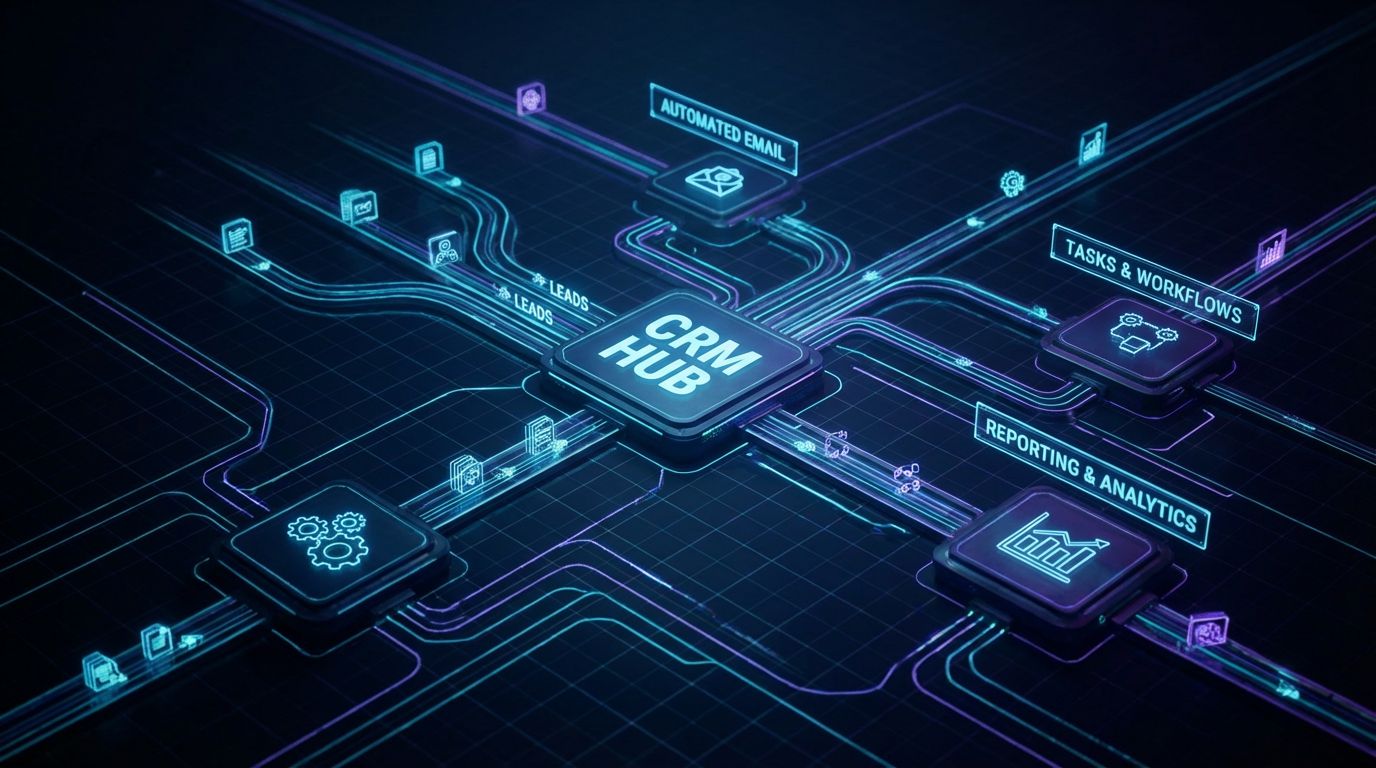
For most small sales teams, the problem is not “we don’t have a CRM.” It’s that the CRM behaves like a passive database instead of an active system. Reps act as human APIs, moving data and reminding themselves what to do next.
When you introduce well-designed automation in CRM, the system handles the predictable, repeatable steps. Humans focus on conversations and judgment calls, not status updates, formatting, and copying notes between tools.
The Cost of Manual CRM Data Entry and Follow-Ups
In a typical SMB, each rep spends 1–2 hours per day on admin: logging calls, updating stages, writing near-identical follow-up emails, and scheduling meetings. Across five reps, that’s easily 25–50 hours per week that aren’t spent selling.
On top of that, manual work introduces errors: deals in the wrong stage, missing phone numbers, activities not logged. Follow-up relies on personal memory or ad hoc reminders, so some leads get 10 touches and others get 1.
The outcome is predictable: slow lead response, inconsistent prospect experience, and reporting you can’t fully trust. You feel the pain every time you ask, “Why did we lose this deal?” and nobody can see a full interaction history.
Manual CRM vs Automation CRM
| Dimension | Manual CRM | Automation CRM (Well-Implemented) |
|---|---|---|
| Data entry | Reps type notes, create contacts, and update fields by hand; high double-entry. | Contacts, deals, and key fields created/updated automatically from forms, inbox, and calls. |
| Lead response time | Minutes to hours, depending on who checks email and when. | Seconds to a few minutes via instant email/SMS and task creation. |
| Follow-up consistency | Varies by rep discipline; many leads fall through the cracks. | Standardized sequences and reminders enforce a minimum touch pattern. |
| Reporting accuracy | Gaps and guesswork because activities and stages aren’t reliably updated. | System-of-record reporting based on automatically captured events. |
| Overall cost | Hidden cost of 5–10 hours/month per rep plus lost opportunities. | Upfront setup cost, then lower ongoing admin and better win rates. |
What Automation in CRM Actually Does
Most teams hear “automation” and think “email blasts.” In reality, automation in CRM is about turning your sales process into a series of clear triggers and actions that the system can run 24/7.
At a minimum, good crm sales force automation covers: creating and updating records, assigning owners, moving deals between stages, launching email/SMS sequences, logging activities, and creating tasks at the right time. This is where workflow CRM software earns its keep.
For more complex scenarios, RPA can be used to automate customer relationship management tasks that your CRM doesn’t natively handle—like scraping key data from PDFs, pulling legacy system info into a note, or updating spreadsheets that a specific department still relies on.
Top CRM Automation Software for SMBs

There’s no shortage of crm automation software. The bigger question is which one matches your sales motion and who is going to design and maintain the workflows.
Below, I’ll position ActiveCampaign, HubSpot, Pipedrive, and Zoho the way I see them in real SMB stacks. The tools themselves are powerful; the difference between success and chaos is the underlying workflow design.
ActiveCampaign as an Automation CRM
CRM ActiveCampaign is built as an automation-first platform: strong email marketing, flexible tagging, and robust visual workflows. It’s excellent when you need behavioral triggers (page views, link clicks, event attendance) to drive sequences and routing.
The tradeoff is complexity. Without clear naming conventions and lifecycle definitions, you end up with “tag soup” and overlapping automations. I’ve inherited ActiveCampaign accounts where a single contact was in five conflicting nurture sequences because nobody governed the automation CRM architecture.
HubSpot CRM Automation
HubSpot CRM automation shines when you want an all-in-one view of marketing, sales, and service. The UI is friendly, lifecycle stages are built-in, and workflows can span contacts, companies, deals, and tickets.
The pitfalls show up as you scale: field sprawl, unclear ownership of properties, and workflows that quietly conflict. It’s easy for a well-intentioned sequence to overwrite deal stages or send duplicate emails if your workflow CRM software design isn’t documented and reviewed.
Pipedrive Automation (Sales-First)
Pipedrive automation is very much sales-first. The interface is pipeline-centric, and it’s fantastic for teams who live in their deal board all day.
You can trigger pipedrive automated emails, activities, and notifications off deal stage changes, which makes pipedrive sales automation a natural fit for straightforward, high-volume deal flows. But for deeper marketing nurture or multi-channel campaigns, you typically need external tools, making integration and data consistency more important.
Zoho CRM, Calendar Integration, and Beyond
Zoho CRM is a cost-effective option with a broad app suite around it. You get CRM, email, helpdesk, and more under one roof, which is attractive for budget-conscious SMBs.
Its workflow rules cover many basics, and Zoho CRM calendar integration can streamline meeting scheduling across teams. But the UX can feel clunky for non-technical users, and managing integrations, permissions, and field governance is often where teams struggle without experienced guidance.
Key CRM Automation Tools for SMBs
| Tool | Best For | Automation Depth | Ease of Use for SMB | Notable Features | Typical Starting Price Range* |
|---|---|---|---|---|---|
| ActiveCampaign | Marketing-driven sales teams needing behavioral triggers. | High (advanced visual workflows, tagging, scoring). | Moderate; powerful but easy to overcomplicate without architecture. | Email automation, CRM pipeline, site/event tracking (crm activecampaign). | Low to mid, based on contacts and features. |
| HubSpot | Teams wanting unified marketing + sales + support. | High (multi-object workflows, sequences, attribution). | High initially; complexity grows with scale. | Lifecycle stages, sales sequences, strong reporting (hubspot crm automation). | Free tier, then mid to high as hubs and seats increase. |
| Pipedrive | Sales-led teams needing simple, visual pipelines. | Moderate (deal-based triggers, pipedrive automated emails). | High for sales reps; admin layer needs more care. | Pipeline-centric UI, pipedrive sales automation around stages and activities. | Low to mid for most small teams. |
| Zoho CRM | Budget-conscious teams wanting a full app suite. | Moderate to high (workflow rules, blueprints, integrations). | Moderate; UX can feel heavier without guidance. | Broad app ecosystem, zoho crm calendar integration, process blueprints. | Low to mid across tiers. |
| Microsoft Dynamics (Marketing) | Upper-SMB and enterprise with complex processes. | Very high (microsoft dynamics marketing automation plus deep CRM). | Lower without specialist help; best with partners. | Advanced segmentation, omni-channel journeys, enterprise integrations. | Mid to high; usually part of a broader Microsoft stack. |
*Exact pricing changes frequently; think in terms of relative tiers and implementation effort, not just license cost.
Why DIY CRM Automation Fails
This is the part most software vendors gloss over. Buying licenses is easy. Designing and maintaining a reliable automation system is what eats your time and breaks your data if you DIY it on the side.
I routinely see teams paying for multiple automation tools while still doing critical steps manually because they’re afraid to “flip the switch” on workflows they don’t fully understand.
Tool Subscriptions Without a Workflow Strategy
A common pattern: an SMB signs up for HubSpot and ActiveCampaign, tries a few templates, and expects magic. Six months later, you have overlapping lists, unclear lifecycle stages, and a rep asking, “Why did this customer get a ‘We miss you’ email?”
Without a defined lead lifecycle (from new lead to MQL, SQL, opportunity, customer, churned) and a field dictionary, your automation CRM quickly turns into a spaghetti of disconnected workflows. I’ve seen ActiveCampaign setups where tags like “ENGAGED,” “Engaged1,” and “VERY-ENGAGED” all existed, but nobody could explain the difference.
Integration, Data Quality, and Calendar Pitfalls
Most CRM automations depend on integrations: form tools, email inboxes, calendars, and billing systems. When those break or are misconfigured, everything downstream suffers.
Examples I see often: Zoho CRM calendar integration set up per-user instead of centrally, leading to missed or double-booked meetings; Pipedrive webform creating duplicate contacts because dedupe rules weren’t configured; HubSpot workflows overwriting owner fields that were synced from another system.
Sometimes RPA can be used to automate customer relationship management as a patch—bots moving data between legacy systems and the CRM. But if you build bots on top of a messy data model, you’re automating chaos. It’s almost always cheaper to design the core data architecture and workflow CRM software correctly first, then use RPA selectively.
The Hidden Cost of Being Your Own RevOps Team
Every founder or sales leader who becomes the “CRM person” pays for it twice. First in hours spent tinkering with workflows instead of selling or managing. Second in the opportunity cost of half-built automations that don’t deliver.
If you spend even 10 hours per week configuring tools, cleaning lists, and debugging automations, that’s over 40 hours per month. For most leaders, that’s more expensive than hiring a specialist agency that does this all day and gets it right the first time.
The outcome is you becoming the accidental RevOps admin. The point of bringing in a partner like AiBizBuild is to hand off that function so your team can focus on conversations and strategy, not fiddling with trigger logic.
DIY vs Done-For-You Automation Cost (Illustrative)
| Aspect | DIY | Done-For-You (AiBizBuild) |
|---|---|---|
| License costs | Same tools; often multiple overlapping subscriptions. | Same tools; stack rationalized to what you actually need. |
| Implementation time | Weeks to months of leader/ops time, trial-and-error. | Planned project with clear milestones and go-live dates. |
| Internal labor cost | 10–40+ hrs/month from high-value people learning on the job. | Minimal; your team provides input and feedback, not builds. |
| Risk of bad automation | Higher: spammy sequences, overwritten data, broken integrations. | Lower: experienced architects design, test, and monitor workflows. |
| Time to value | Unclear; many projects stall at 50% complete. | Structured: quick wins in weeks, deeper automation over 1–3 months. |
Real SMB Use Cases & Workflow Blueprints
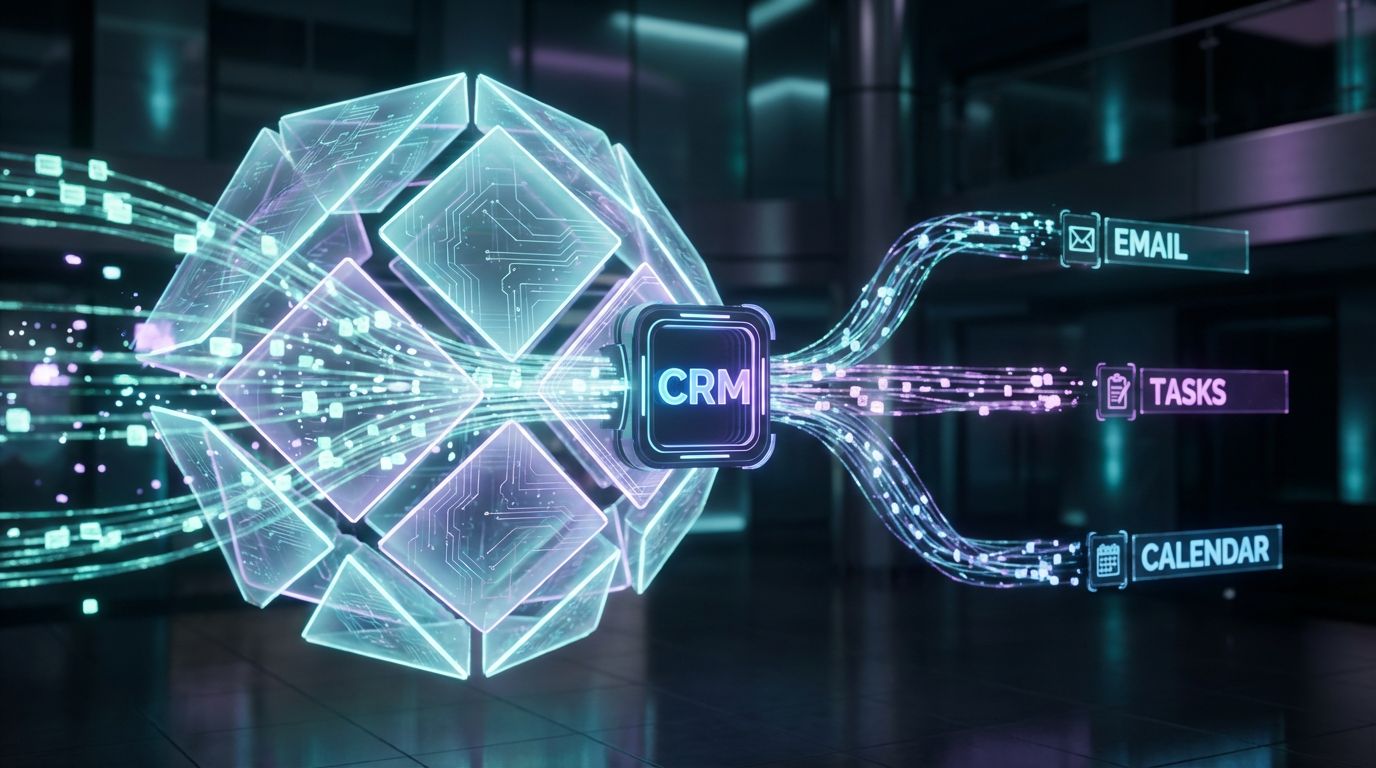
To see the gap between “we have a CRM” and a truly automated system, it helps to look at concrete workflows. These are simplified, but they map closely to what we actually deploy for clients.
Notice how each flow replaces human memory and double entry with deterministic triggers and actions. That’s where crm automation software earns its ROI.
Lead Capture to First Meeting (HubSpot / ActiveCampaign)
Manual version: A prospect fills out a website form. Someone gets an email notification, manually creates a contact in the CRM, sends a “thanks for reaching out” email, and proposes times. If the prospect doesn’t reply, follow-up depends entirely on that rep’s discipline.
Automated version (HubSpot or ActiveCampaign):
- Trigger: Website form submission.
- Actions: Create/update contact, set lifecycle stage to Lead, create or update associated company.
- Assign owner based on territory, product interest, or source.
- Send personalized intro email immediately with a link to your 24/7 Appointment Booking Systems for scheduling.
- If no booking within 24 hours, create a task for the owner and send a gentle check-in email.
- If still no response after 3–5 days, enroll in a short nurture sequence with relevant case studies.
This is where hubspot crm automation or crm activecampaign shine: visual workflows that tie forms, owners, and sequences together. AiBizBuild’s CRM Integration & Inbox Management work also connects your shared inbox so replies automatically associate to the right contact and deal.
If you run outbound as well, our Cold Outreach Automation setups ensure qualified responses automatically route into this lead-to-meeting flow instead of sitting in a separate silo.
Deal Pipeline & Follow-Up (Pipedrive Automation)
Manual version: A rep drags deals across a Pipedrive board, then manually writes follow-up emails, sets reminders on their calendar, and slacks a manager when a big opportunity reaches a later stage.
Automated version (Pipedrive):
- Trigger: Deal moves to “Proposal Sent.”
- Actions: Send a pipedrive automated emails template with the proposal attached and key next steps.
- Create a follow-up call task 2 days later; if not completed, escalate with a reminder to the rep and a manager notification in Slack or Teams.
- If the proposal is not opened within 48 hours (via your proposal tool integration), send a short “Just checking you got this” email automatically.
- Trigger pipedrive sales automation to update a “Proposal Sent Date” field and log the activity for reporting.
Here, workflow CRM software is doing what humans aren’t good at: perfectly-timed nudges and standardized communication. The rep still runs the conversation, but they’re never waking up wondering who they forgot to call.
Post-Sale Nurture and Upsell (Zoho / Microsoft Dynamics)
Manual version: After a deal closes, the account manager sends a one-off welcome email, maybe adds the customer to a newsletter list, and hopes to remember renewal or upsell conversations months later.
Automated version (Zoho CRM or Microsoft Dynamics):
- Trigger: Deal marked as Closed-Won.
- Actions: Automatically enroll the customer in a 30-day onboarding email series, including training resources and FAQs.
- Create tasks for the CSM or account manager for kickoff call, 30-day check-in, and 90-day QBR.
- At 60 days, launch an NPS survey and log the score on the contact and account record.
- At 90 days, push accounts with strong health scores into an upsell campaign built in microsoft dynamics marketing automation or your email tool.
- Optionally, trigger AI Voice Agents (Inbound/Outbound) or your 24/7 Appointment Booking Systems to handle QBR scheduling and reminder calls.
AiBizBuild’s role here is orchestrating the cross-tool logic—making sure your billing system, support tool, and CRM all agree on who is a customer, what they own, and when automation should fire. That’s the same kind of complexity we address in automated content approval workflows, just applied to your revenue processes instead of marketing approvals.
ROI Models: From Admin Overhead to Revenue Engine
Let’s talk numbers. The point of investing in crm automation software and expert implementation is not to have a prettier dashboard; it’s to reclaim time and convert more of the pipeline you already generate.
You don’t need a 20-tab spreadsheet here. A few simple models are enough to see why automation pays back quickly when done well.
Time Savings and Admin Overhead Reduction
Start with a basic formula: Number of reps × hours saved per week × fully loaded hourly cost. If you have 5 reps and smarter crm sales force automation saves each just 5 hours per week, that’s 25 hours/week, or roughly 100 hours/month.
At a conservative $40/hour fully loaded, that’s $4,000/month in reclaimed time. Some of that becomes more calls, demos, and proposals. The rest is simply sanity—less overtime, fewer late-night follow-ups, fewer “Did we ever reply to this lead?” moments.
AiBizBuild’s CRM Integration & Inbox Management work focuses heavily on these savings: auto-logging emails, connecting shared inboxes, automating routine responses, and merging duplicate admin steps across tools.
Faster Lead Response, Higher Close Rates
Multiple studies have shown that responding to inbound leads within minutes instead of hours significantly increases your chances of connecting and ultimately closing. You don’t need a research citation to know that when you reply first—with a clear next step—you win more deals.
Well-designed automation in CRM ensures every inbound lead gets an immediate acknowledgment and, ideally, a direct path to a meeting. It also guarantees systematic follow-up when someone doesn’t reply, instead of hoping a rep remembers.
Even a modest 20% increase in SQLs from better follow-up can transform your pipeline economics. If you currently create 50 SQLs per month and close 20% of them, improving to 60 SQLs at the same close rate means 12 wins instead of 10—without spending more on ads or outbound.
Payback Period for Done-For-You Automation
Consider a mid-range done-for-you project that redesigns your lead routing, sequences, pipeline automations, and inbox integration across tools like HubSpot or Pipedrive. You might think about it as a one-time project fee you amortize over 12–24 months.
If that project saves your team $4,000/month in reclaimed time and adds even a few additional closed deals per month, it’s realistic to see a 3–6 month payback period. Not because of magic, but because you’re eliminating waste you already feel every day.
The goal isn’t overnight hockey-stick growth. It’s building a predictable, scalable system so that when you do step on the gas—through ads, outbound, or scalable SEO content generation—your CRM and automations can handle the volume.
Done-For-You Implementation vs DIY Tools
Most teams underestimate how much process work sits between “we bought licenses” and “our CRM runs itself.” This is where partnering with a specialist agency makes more sense than adding “RevOps” to someone’s already-full job description.
Tools are necessary, but they’re not the solution by themselves.
Why Tools Alone Don’t Fix Process Problems
Crm automation software is like a high-end kitchen. Buying the appliances doesn’t give you a menu, recipes, or a trained chef. Many SMBs copy random workflow templates, then wonder why their system feels disjointed and hard to change.
Your CRM can’t define your lead stages, qualification criteria, or handoff rules. It can only implement the logic you give it. If that logic is vague or inconsistent, even the best automation CRM will amplify the confusion.
That’s why the earlier section on Why DIY Fails matters: without architecture and governance, every “quick fix” automation adds another layer of complexity and risk.
How AiBizBuild Implements CRM Integration & Inbox Management
AiBizBuild operates as a premium done-for-you implementation partner, not another SaaS vendor. A typical CRM Integration & Inbox Management engagement looks like this:
- Workflow Audit & Discovery – We map your current manual processes, CRM objects, and tools. That includes forms, inboxes, calendars, and any edge systems (spreadsheets, legacy apps) that touch customers.
- Blueprint Design – We define your lifecycle stages, routing rules, lead sources, and data model. This is where we architect your workflow CRM software design: what triggers what, in which tool, and why.
- Build & Integration – We implement automations across your CRM (ActiveCampaign, HubSpot, Pipedrive, Zoho, or others), shared inboxes, calendars, and—where needed—RPA bots to bridge gaps with legacy systems.
- Testing & Optimization – We QA each workflow, add safeguard conditions, and train your team on how to use the system. Then we iterate based on real-world usage and reporting.
The result is a coherent automation layer across your stack. Your team uses familiar tools, but the experience shifts from manual juggling to guided, automated workflows.
When to Layer in Additional Automations
Once your CRM and inbox foundation is stable, you can confidently extend automation into other parts of the revenue engine. The key is sequencing—don’t automate the edges before the core is reliable.
- Cold Outreach Automation – Feed targeted, CRM-driven segments into outbound campaigns, then loop positive replies straight into your main lead handling workflows.
- 24/7 Appointment Booking Systems – Connect meeting links to CRM owner assignment so new bookings automatically create or update the right records and stages.
- AI Voice Agents (Inbound/Outbound) – Use bots for basic qualification, appointment reminders, or reactivation calls, while syncing all outcomes into the CRM.
- SEO Content & Blog Automation / Social Media Workflow Automation – Run predictable top-of-funnel programs using systems like an automated social media workflow, with every form fill or reply feeding back into your CRM.
Everything plugs into the same core: a clean CRM, integrated inboxes, and clearly defined automations. That’s where AiBizBuild focuses first.
Call to Action – Book a Workflow Audit
If you suspect you’re wasting hours on manual CRM work or losing deals to inconsistent follow-up, the next step isn’t buying another tool. It’s understanding where your current system is leaking time and revenue.
AiBizBuild offers a focused Workflow Audit for your CRM and sales stack. You’ll get a prioritized workflow map, specific quick-win recommendations, and a realistic roadmap to move from manual chaos to a stable automated system.
If you prefer to see things live, you can also request a CRM & Inbox Automation demo to walk through real-world examples tailored to your stack. Either way, the goal is clarity, not more complexity.
FAQ: CRM Automation for SMBs
These are the questions I hear most often from owners, sales leaders, and RevOps managers considering automation projects.
How long does it take to implement CRM automation for a small sales team?
For most small teams, we can deliver meaningful quick wins in 2–4 weeks, such as automated lead capture, basic routing, and standard follow-up sequences. A fuller build that covers the entire lifecycle—lead to renewal—typically runs 6–12 weeks, depending on data quality, tool sprawl, and integration needs.
The more clearly your current process is documented, the faster we can translate it into robust workflows.
Do I need a specific CRM to work with AiBizBuild, or can you automate any platform?
We most commonly work with platforms like ActiveCampaign, HubSpot, Pipedrive, Zoho, and microsoft dynamics marketing automation for upper-SMB teams. That said, we can usually integrate and automate any modern CRM that offers APIs and workflow capabilities.
During the Workflow Audit, we assess whether your current tools are a fit or if it’s more cost-effective to consolidate or switch before we build.
Is CRM automation secure and compliant with our data policies?
Yes—when implemented correctly. We design automations to respect your existing access controls, data retention policies, and regional compliance requirements.
That includes limiting who can trigger or edit workflows, carefully handling PII fields, and documenting data flows between tools so your security and compliance teams can review and sign off.
What if my CRM data is a mess right now—can I still automate?
You can, but we strongly recommend a cleanup phase first. Part of AiBizBuild’s Workflow Audit & Implementation is standardizing fields, deduping records, and defining naming conventions before we layer in heavy automation.
Automating on top of messy data usually creates more work later. Cleaning it once, then enforcing standards via automation, is faster and cheaper over the long term.
Will my team need to learn coding to maintain these automations?
No. The major CRM platforms and most adjacent tools are no-code or low-code. We build using their native automation engines, with clear naming, documentation, and guardrails so non-technical admins can manage day-to-day changes.
For more advanced scenarios (like RPA or complex integrations), AiBizBuild can handle the heavy lifting and provide ongoing support if you prefer not to manage those pieces internally.
How do you measure success for CRM automation projects?
We look at a mix of efficiency and revenue metrics. On the efficiency side: hours saved per rep per week, reduction in manual data entry, and improved data completeness.
On the revenue side: faster lead response times, increased conversion rates between stages, improved forecast accuracy, and ultimately more closed-won deals from the same or lower marketing spend. Those are the numbers that tell you your system is working, not just that workflows are “on.”